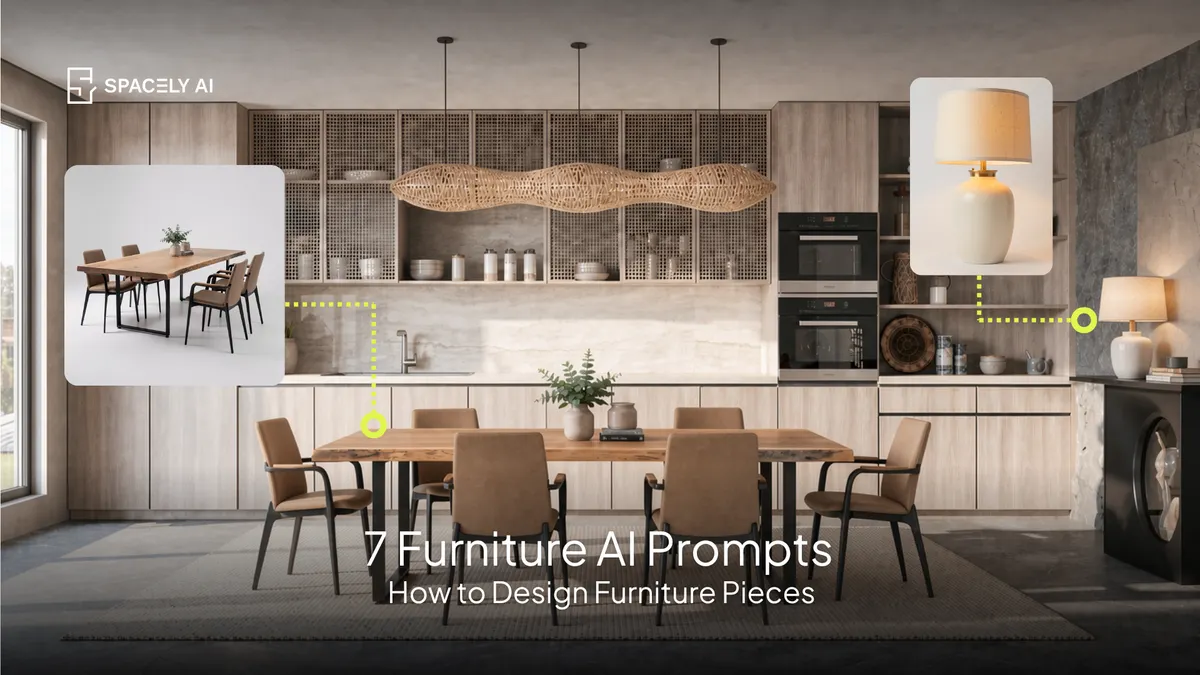
7 copy-paste AI prompts for designing furniture: sofa, chair, coffee table, dining table, lamp, bed, and sideboard. Render each on a clean background or in a room.
Here are 7 copy-paste AI prompts for designing individual furniture pieces: a sofa, an accent chair, a coffee table, a dining table, a table lamp, a bed, and a sideboard. A good furniture prompt names the piece, its form, the material and upholstery, the legs or base, the finish, and the style. Because "a sofa" renders generic, while "a low, curved cream boucle sofa on tapered oak legs" renders a real design.
You can render a piece on a clean studio background for a product-style image, or place it in a room to see it in context. Paste a prompt into Spacely AI (Text to Image), adjust the details to your idea, and generate in about 60 seconds.
Below: what makes a good furniture prompt, then the 7 prompts you can copy.
What makes a good furniture prompt?
Name the piece and every part that defines it.
| Element | Example |
|---|
| Piece | "a three-seat sofa" |
| Form / silhouette | "low, curved" |
| Material / upholstery | "cream boucle" |
| Legs / base | "tapered oak legs" |
| Finish | "matte" |
| Style | "mid-century modern" |
| Background | "clean studio background" or "in a warm living room" |
The 7 furniture prompts
- Sofa
"a low three-seat sofa, curved silhouette, cream boucle upholstery, tapered oak legs, mid-century modern, clean studio background, soft studio lighting, product photography."
- Accent chair
"a sculptural accent lounge chair, curved form, camel leather upholstery, black steel base, modern, clean studio background, soft lighting."
- Coffee table
"a round coffee table, solid walnut top, sculptural pedestal base, warm matte finish, organic modern, clean studio background, soft lighting."
- Dining table
"a dining table seating six, oak top with a live edge, black steel legs, modern rustic, clean studio background, soft lighting."
- Table lamp
"a table lamp, warm off-white ceramic base, linen drum shade, brushed brass detail, warm glow, clean studio background, soft lighting."
- Bed
"a platform bed, upholstered headboard in oatmeal linen, low solid oak frame, minimal, clean studio background, soft lighting."
- Sideboard
"a sideboard, walnut with fluted doors, brass hardware, tapered legs, mid-century modern, clean studio background, soft lighting."
How do you use these prompts?
Render on a clean background, or in a room, your choice. For a product-style image, keep "clean studio background" so the piece stands alone, the way it would in a catalog. To see the piece in context, swap that for "in a warm living room" (or the relevant room) and the AI renders it in a styled setting.
If you have a specific piece in mind and a reference image of it, you can place it in a photo of your actual room with collage-to-render to see the real product in your space. Adjust any detail from the upholstery, the legs, to the finish, in the prompt, or fix one element with Point & Edit, and generate again in about 60 seconds.
FAQ
How do you write an AI prompt for furniture? Name the piece, its form or silhouette, the material and upholstery, the legs or base, the finish, and the style — plus whether you want a clean studio background or the piece shown in a room. Use specific materials like "walnut," "boucle," and "brushed brass" rather than generic terms, and generate in about 60 seconds.
Can AI design a piece of furniture? Yes. Paste a prompt describing the piece and its details, and Spacely AI renders it — on a clean background for a product-style image, or in a room for context. You can explore different forms, materials, and finishes quickly, and refine any element with Point & Edit.
How do I show furniture on a plain background vs in a room? Add "clean studio background" for a standalone product-style image, or "in a warm living room" (or another room) to see the piece in context. If you have a reference image of a specific product, you can also place it in a photo of your actual room with collage-to-render.
More design workflow insights on the Spacely AI blog →
Get started
→ Create your free account
→ Watch the full tutorial on YouTube
→ Explore the member plan
For more information and media inquiries, please contact
Website: spacely.ai
Facebook: facebook.com/spacelyai
Instagram: instagram.com/spacely.ai
Email: [email protected]