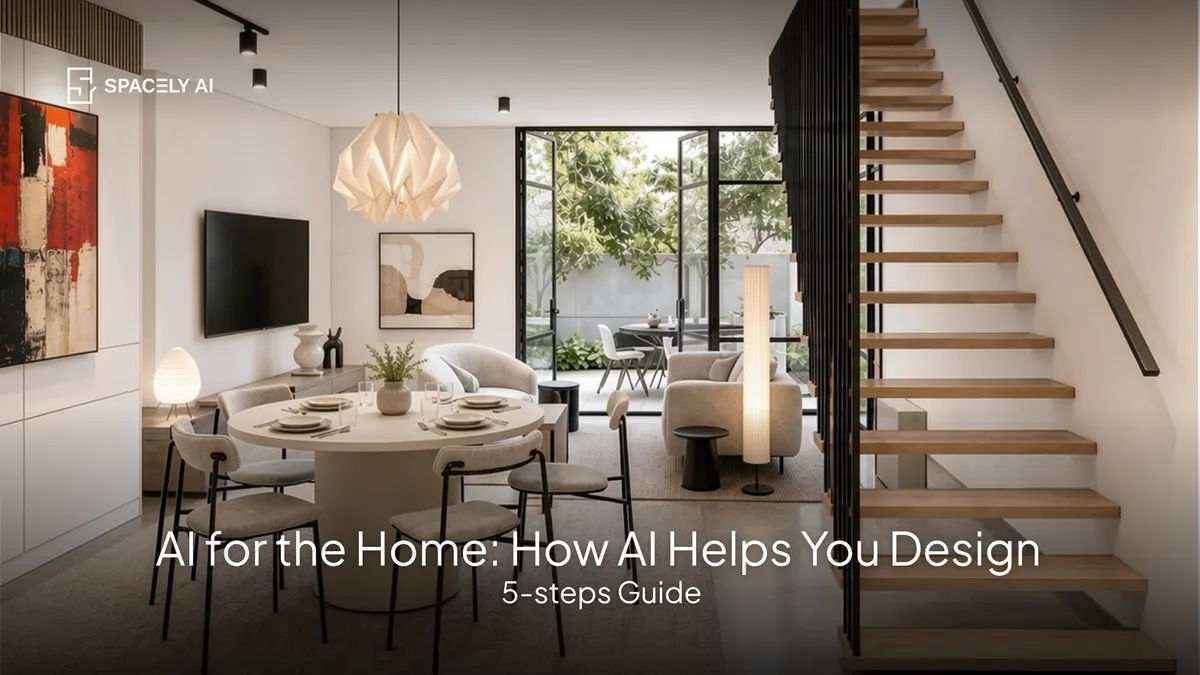
AI for the home lets you see a room in a new style, color, or layout before spending a cent. Here are the practical ways AI helps you design and improve your space.
AI for the home is changing how people design and improve their spaces; most usefully by letting anyone see a room in a new style, color, or layout before spending a cent. Instead of imagining a change or committing to a purchase and hoping it works, you upload a photo of your room and AI shows you the options: a new paint color, different furniture, a full restyle, a fresh layout.
That single ability, seeing a change before you make it, is the biggest everyday win AI brings to the home, because it turns "I think this might work" into "I can see that it does." The term "AI for the home" also covers smart-home features that control lighting, climate, and security, but for most people the practical, money-saving benefit is visualization: deciding what you like by looking at it in your own space.
Below: the practical ways AI helps with your home, how to use it, and where it helps most. Spacely AI restyles your room from a photo in about 60 seconds, with a free plan to start.
What can AI do for your home?
Help you design it, visualize changes, and decide with confidence. The most valuable home uses of AI are about design and decisions.
You can restyle a room in a different look, try paint colors on your actual walls, swap or add furniture to see how it fits, test a new layout before moving anything, and preview a renovation before committing budget.
Each of these answers the same question, "what will this look like in my home," which is exactly what's hard to judge from a paint chip, a showroom, or your imagination. Beyond design, smart-home AI can manage lighting, temperature, and security, but the design and visualization side is where most people feel the difference first.
How do you use AI to design your home?
Start from a photo, try options, and refine.
- Upload a photo of the room. Your real space keeps everything true to scale.
- Try a change. Apply a new style, color, layout, or piece of furniture.
- Compare options. Generate a few directions and set them side by side.
- Refine. Adjust a detail such as a wall color or a specific item, until it's right.
- Decide. Buy or renovate having already seen the result.
Where does AI help most with a home?
Visualization, the everyday win. The thread through all of it is confidence: AI lets you see the change before you make it, so you spend once, on what you already know works.
| Home task | How AI helps |
|---|
| Choosing a paint color | See the shade on your actual walls |
| Buying furniture | Preview a piece in your room first |
| Planning a layout | Test arrangements before moving anything |
| Redesigning a room | Try full styles on your real space |
| Planning a renovation | Preview the result before spending |
| Smart-home features | Control lighting, climate, and security |
The bottom line
AI for the home is, above all, a way to see before you spend: restyling rooms, testing colors, previewing furniture and layouts, and visualizing renovations from a photo of your actual space, alongside smart-home features that manage the house day to day. For most people, the design and visualization side delivers the biggest everyday value, because it removes the guesswork from home decisions. Upload a photo, try your ideas, and decide with confidence.
FAQ
What can AI do for your home? Mainly help you design and visualize it — restyling rooms, testing paint colors on your actual walls, previewing furniture and layouts, and visualizing renovations before you spend. It also covers smart-home features that control lighting, climate, and security. For most people, the visualization side is the biggest everyday benefit.
How do you use AI to design a room? Upload a photo of the room, apply a change such as a new style, color, layout, or piece of furniture, and compare a few options. Refine any detail until it's right, then decide having already seen the result. Spacely AI does this from a photo in about 60 seconds.
Is AI for the home free to try? Spacely AI has a free plan that includes 30 credits, so you can restyle a room, test colors, and preview changes on your own space before deciding whether to do more. It's a low-risk way to see what AI can do for your home.
More design workflow insights on the Spacely AI blog →
Get started
→ Create your free account
→ Watch the full tutorial on YouTube
→ Explore the member plan
For more information and media inquiries, please contact
Website: spacely.ai
Facebook: facebook.com/spacelyai
Instagram: instagram.com/spacely.ai
Email: [email protected]