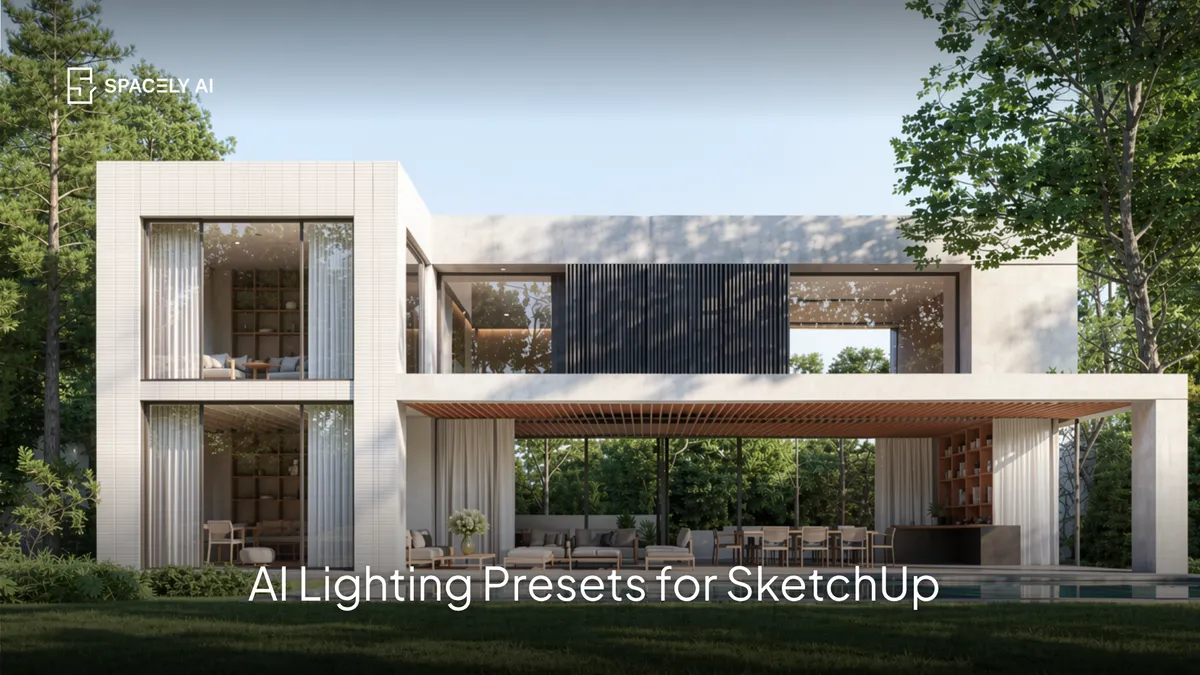
Apply a realistic lighting setup to a SketchUp render with an AI preset: soft daylight, golden hour, overcast, warm evening, or night in seconds, no manual light setup.
AI lighting presets let you apply a realistic lighting setup to a SketchUp render in seconds, instead of manually placing lights, dialling in the sun, and tuning exposure, you choose a preset (soft daylight, golden hour, overcast, warm evening) and the AI renders your model with that lighting looking real.
Lighting is the single thing that most makes a render believable, and it's traditionally one of the slowest parts of the process to set up. Presets remove that bottleneck: your SketchUp model comes to life with professional-looking lighting fast, and you can try several moods to find the right one.
Below: what AI lighting presets are, how to use them with SketchUp, and which presets suit which scene. Spacely AI renders your SketchUp model with realistic lighting through its extension, in about 60 seconds.
What are AI lighting presets?
Ready-made lighting setups you apply to a render. A lighting preset is a defined lighting look from a direction, time of day, to quality of light, that the AI applies to your model without you setting up individual lights. Rather than building a lighting rig, calculating bounce, and adjusting exposure, you pick the mood you want and the AI renders your SketchUp model under that lighting realistically. It's the difference between hours of lighting setup and a photorealistic, well-lit render in seconds — and because it's fast, lighting becomes something you explore rather than labour over.
How do you use AI lighting presets with SketchUp?
Frame the view, pick a preset, and render.
- Set up your view in SketchUp. Frame the interior or exterior you want to present.
- Render through the Spacely AI extension. Bring your model view in.
- Choose a lighting preset from Realistic Render. Daylight, golden hour, overcast, or night time.
- Generate. Your model renders with realistic lighting in about 60 seconds.
- Try another mood. Switch presets to compare, or refine with a prompt.
Because it renders from your SketchUp model, the geometry stays exact while the lighting brings it to life.
Which lighting preset should you use?
Match the light to the scene and mood.
| Preset | Best for |
|---|
| Daylight | Bright, neutral, true-to-colour interiors |
| Golden hour | Warm, inviting exteriors and hero shots |
| Overcast | Even, soft, true material representation |
| Night | Cosy interiors, lit lamps, dusk exteriors |
Try a couple against your scene, the same model can feel completely different under morning light versus golden hour. Keep the one that best suits the mood you want.
FAQ
What are AI lighting presets for renders? They're ready-made lighting setups from a direction, time of day, to quality of light, that the AI applies to your model without you placing individual lights. You pick a mood (soft daylight, golden hour, overcast, warm evening) and the AI renders your SketchUp model with that lighting realistically, in seconds rather than hours of setup.
How do you get realistic lighting in a SketchUp render? Render your SketchUp model through the Spacely AI extension and apply a lighting preset — the AI lights and renders your model realistically in about 60 seconds, keeping the geometry exact. You can try several presets to compare moods, or refine the lighting with a prompt, instead of manually setting up lights and exposure.
Can you change the lighting mood of a render quickly? Yes. Because presets apply a full lighting setup in seconds, you can switch between soft daylight, golden hour, overcast, and warm evening to see your model in different moods and pick the best one — far faster than rebuilding a lighting rig for each option.
More design workflow insights on the Spacely AI blog →
Get started
→ Create your free account
→ Watch the full tutorial on YouTube
→ Explore the member plan
For more information and media inquiries, please contact
Website: spacely.ai
Facebook: facebook.com/spacelyai
Instagram: instagram.com/spacely.ai
Email: [email protected]