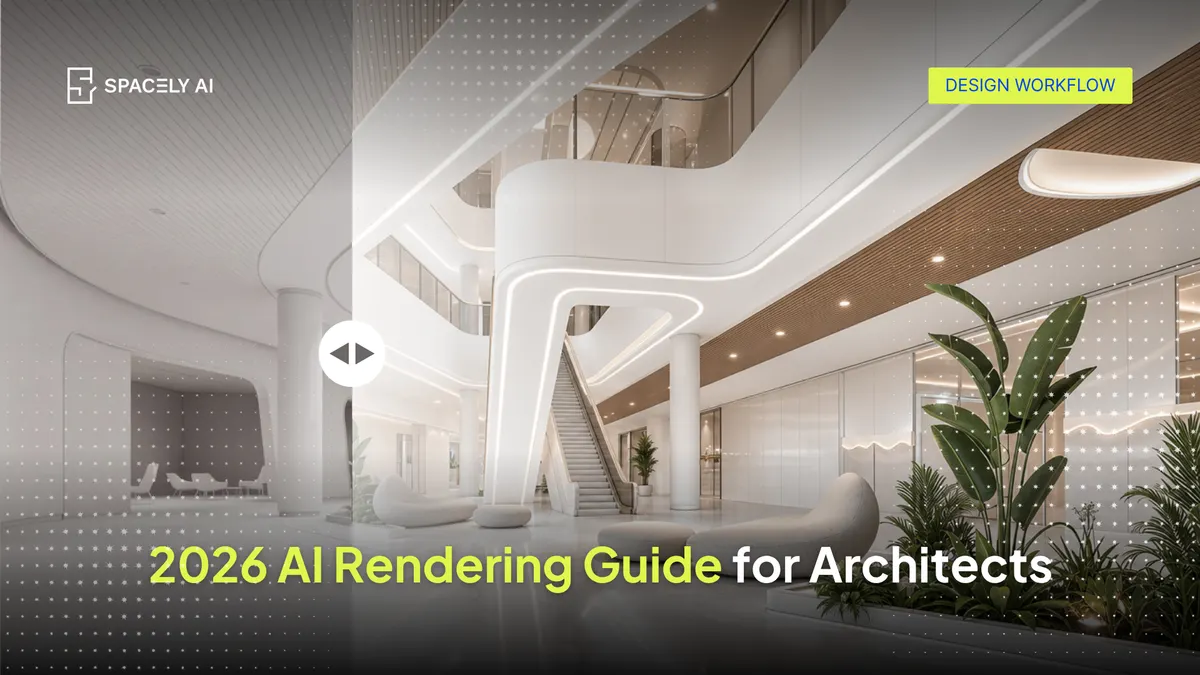
A complete 2026 guide to AI rendering for architects; what it is, where it fits in the workflow, how to start, and what it's not built for.
AI rendering lets architects turn a sketch, massing model, or captured view into a photorealistic image in seconds — most useful at the concept and presentation stages, before the design is resolved. It doesn't replace construction documentation or a production render engine; it speeds the early, communication-heavy part of the work.
This guide covers what AI rendering is for architects, where it fits in the workflow, what it renders well, how to start in the tools you already use, and where it isn't the right choice. The short version: use AI to widen and speed the concept work, keep your CAD and BIM tools as the source of truth, and stay in control of the design decisions.
What is AI rendering for architects?
AI rendering uses generative AI to produce a photorealistic image from limited input — a sketch, a rough model view, or a reference. Instead of building and lighting a full render scene, you describe the space and generate directions to react to. For architects, the value is communication: showing a client or team what a space could feel like, early, when feedback is cheapest to act on.
It differs from a real-time engine (like Enscape or D5 Render), which renders a finished model live on your hardware. AI rendering starts earlier, from less, and runs in the cloud.
Where does AI rendering fit in the workflow?
It fits at the front:
- Ideation: generate several directions from one sketch.
- Concept communication: show spatial intent before the model is built.
- Presentation: produce client-ready images for early approvals.
It does not fit at the documentation stage. Your BIM and CAD tools remain the source of truth for dimensions and buildable geometry. AI rendering sits alongside them, handling the fast concept image.
| Stage |
Traditional approach |
With AI rendering |
| Idea exploration |
Hand sketches, words |
Many directions from one sketch |
| Concept visualization |
Outsource or set up a render scene |
Photoreal concept in about a minute |
| Documentation |
BIM/CAD (source of truth) |
Not applicable — stays in BIM/CAD |
| Presentation |
One resolved option |
Several moods, side by side |
What can AI render well and what can't it?
It renders composition, materials, lighting, and mood convincingly, especially when you start from your own model view so proportions carry through. It's strong for concept and presentation images.
It's not built for dimensioned, code-compliant documentation, and it doesn't make design decisions. The architect frames the view, chooses the direction, and refines the result. Used this way, AI is an instrument, not an author — which matches how the profession sees it.
How do architects start with AI rendering?
Most architects start inside a tool they already use:
- SketchUp: install the free Spacely AI extension, frame a view, and render in place.
- Revit, AutoCAD, or Rhino: capture a view and render it in Spacely AI.
- Refine: adjust with Point & Edit or Style Transfer, then sharpen with Enhance Quality 4K.
You can begin on the Free plan (trial credits, no credit card) and no dedicated GPU is required, since rendering runs in the cloud.
For architects in 2026, AI rendering is a concept-stage instrument: it makes showing an idea as cheap as having one, speeds early communication, and keeps the architect in control. Use it to explore and present; keep your CAD and BIM tools for the accurate, buildable work.
FAQ
What is the best AI rendering tool for architects?
The right tool depends on your starting point. For fast concept directions from a sketch or model view, Spacely AI is a browser-based generative option with a free plan and a SketchUp extension. For real-time walkthroughs of a finished model, a production engine like Enscape or D5 Render fits. Many architects use both.
Do architects need a powerful computer for AI rendering?
Not with a cloud-based tool. Spacely AI renders on its own servers, so it runs in a browser on a standard laptop or Mac. Real-time engines render locally and benefit from a dedicated GPU, which is a key difference for lighter hardware.
More design insights on the Spacely AI blog →
Get started
→ Create your free account
→ Watch the full tutorial on YouTube
→ Explore the member plan
For more information and media inquiries, please contact
Website: spacely.ai
Facebook: facebook.com/spacelyai
Instagram: instagram.com/spacely.ai
Email: [email protected]