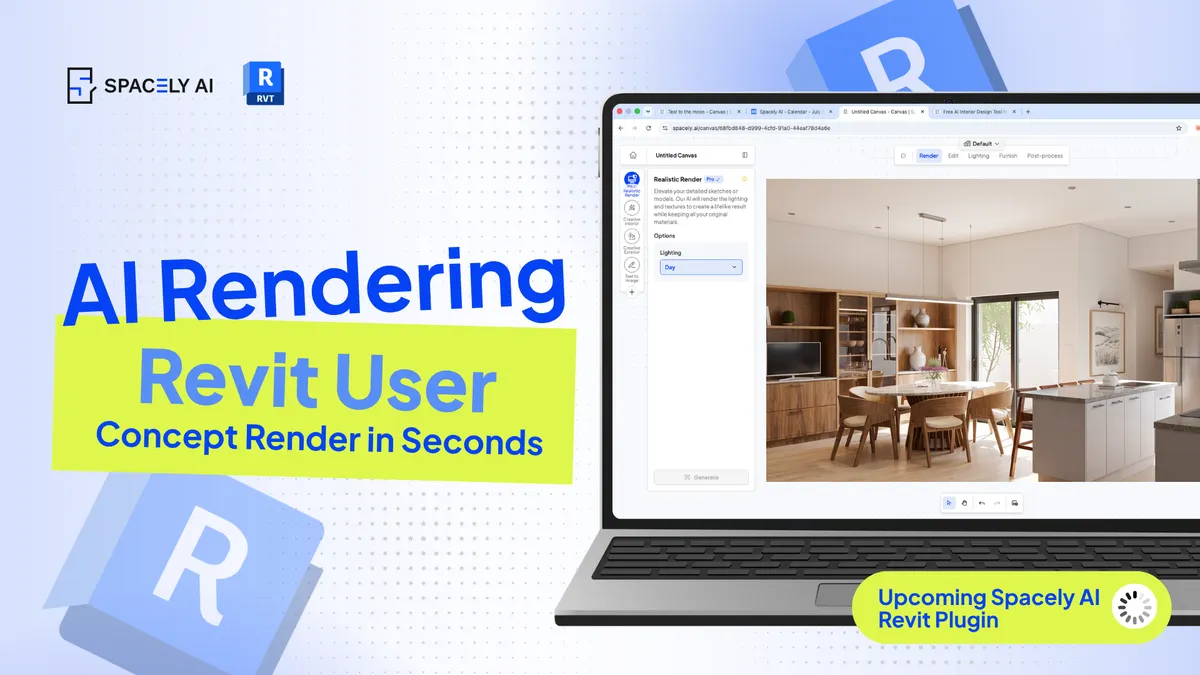
Revit is built for BIM, not fast concept rendering. Here's how architects use AI to render Revit concepts in about 60 seconds, while Revit stays the source of truth.
Revit is built for BIM and documentation: coordinated, dimensioned, buildable information, not for fast concept rendering, which is why so many architects find visualizing early ideas in Revit slow and fiddly. The practical fix is to pair Revit with AI: take a view from your Revit model and generate a photorealistic concept in about 60 seconds, while Revit stays the authoritative source for everything technical. You keep the rigor Revit is great at, and add the speed it isn't built for.
Right now, the workflow is simple, export or capture a view from your Revit model as an image, then render it with AI, and a dedicated Spacely AI Revit extension is on the way to make it even more seamless (SketchUp extension and Rhino plugin are already live).
Below: why Revit users add AI rendering, how to render a Revit concept today, and where the line sits between the two tools. Spacely AI turns a model view or image into a photorealistic concept in about 60 seconds.
Why do Revit users add AI rendering?
Because Revit's strength is documentation, not quick concept visuals. Revit is exceptional at what it's designed for: a coordinated model, schedules, documentation, and buildable detail. But when an architect just wants to show a client how a space or facade will look early, fast, and photorealistic; Revit's rendering workflow can be slow and involved, and it pulls focus from the technical model.
That's the pain point behind searches like "Revit ideas" and "Revit AI": architects want the concept-visualization speed that Revit alone doesn't give them. Adding AI rendering solves it without disturbing the BIM model — you visualize the idea quickly and keep Revit doing what it does best.
How do you render a Revit concept with AI?
Export a view, prompt it, and generate.
- Set up the view in Revit. Frame the 3D view or perspective you want to present.
- Export or capture it as an image. A rendered view, a screenshot, or an exported image of the model.
- Bring it into Spacely AI. Upload the view.
- Describe the finish. Name the materials, the light and time of day, the setting, and the camera feel you want.
- Generate and refine. You get a photorealistic concept in about 60 seconds; adjust the prompt or fix one element with Point & Edit, then sharpen with Enhance Quality 4K.
Because you start from a view of your actual Revit model, the massing and proportions carry through — you're rendering your design, not a generic one. When the Spacely AI Revit extension arrives, this will run even closer to your model; for now, exporting a view is a quick, reliable path.
What stays in Revit, and what goes to AI?
Concept and communication to AI; everything technical stays in Revit.
The division keeps both tools doing their best work.
| Task | Where it belongs |
|---|
| Coordinated BIM model | Revit |
| Documentation & schedules | Revit |
| Dimensioned, buildable detail | Revit |
| Fast photorealistic concepts | AI rendering (Spacely AI) |
| Client-facing design options | AI rendering (Spacely AI) |
| Early facade & interior visuals | AI rendering (Spacely AI) |
Keep Revit authoritative for anything measured or buildable, and use AI for the visualization layer on top. That boundary is what makes the pairing safe as well as fast.
FAQ
Can you use AI to render a Revit model? Yes. Export or capture a view from your Revit model as an image, upload it to Spacely AI, describe the materials and light, and generate a photorealistic concept in about 60 seconds. Because it starts from your Revit view, the proportions carry through, while your Revit model stays authoritative for the technical work.
Why do architects use AI rendering with Revit? Revit is built for BIM and documentation, so quick concept rendering in it can be slow and involved. Pairing Revit with AI lets architects visualize early ideas fast, for clients and design reviews, without disturbing the coordinated model. You get concept speed and keep Revit's rigor.
Is there a Spacely AI Revit extension? A Revit extension is on the way; SketchUp and Rhino extensions are already live. In the meantime, the workflow is simple: export a view from Revit as an image and render it in Spacely AI. When the extension arrives, rendering will run even closer to your Revit model.
More design workflow insights on the Spacely AI blog →
Get started
→ Create your free account
→ Watch the full tutorial on YouTube
→ Explore the member plan
For more information and media inquiries, please contact
Website: spacely.ai
Facebook: facebook.com/spacelyai
Instagram: instagram.com/spacely.ai
Email: [email protected]