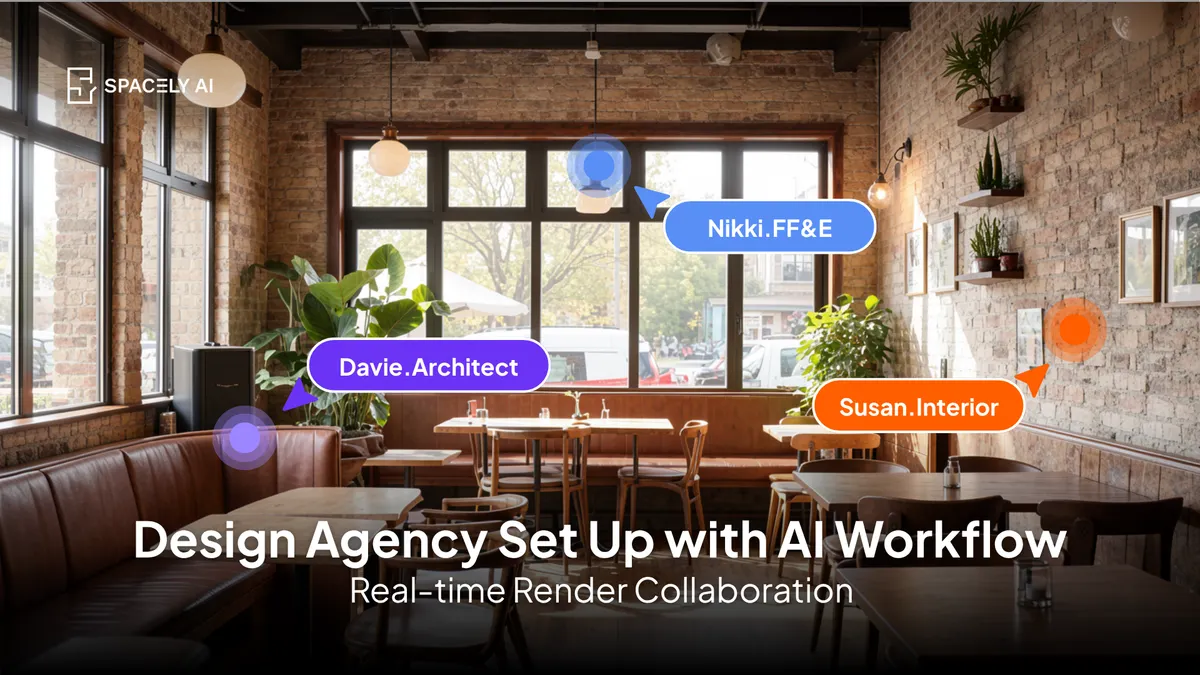
How should a design agency set up its AI workflow? A practical guide to where AI fits, who owns what, the standards to set, and how to run it from brief to delivery.
A design agency should set up its AI workflow by deciding three things up front: where AI fits in the pipeline, who owns each step, and what standards keep the output consistent.
The short version: put AI at the concept and visualization stages, where speed and options matter, while keeping documentation and technical work in your existing tools; give each project a clear owner so revisions don't get made in parallel; and agree on shared styles, presets, and naming so every render looks like it came from the same studio, not five different people.
The payoff is real: traditional rendering can take two to ten working days per project, and moving that in-house with AI turns it into about a minute, freeing your team to take on more work without adding production headcount. The piece that makes it repeatable is a shared workspace — Spacely AI's Team plan, Spacely AI Team Canvas, gives an agency shared projects, presets, and roles, so the workflow runs the same way across the team.
Where should AI fit in an agency's pipeline?
At the front, concept and visualization, not the technical back end.
An agency project moves through stages: brief, concept, visualization, client review, and delivery (with documentation where it applies). AI earns its place in concept and visualization, where you're exploring directions and producing client-facing images and need to move fast through options.
It's the wrong tool for dimensioned drawings or construction documentation; those stay in your CAD and BIM. Naming that boundary clearly is the first setup decision, because it tells the team exactly what AI is for and prevents it from being misused where accuracy is non-negotiable.
How do you build the workflow, stage by stage?
Map each stage to a tool, an owner, and a standard.
- Brief. Capture the client's goals, style references, and constraints in one place the whole team can see.
- Concept. Use AI to explore directions quickly with many options, so the team reacts to visuals instead of descriptions.
- Visualization. Render the chosen direction from your models or client photos, applying the agency's shared presets so the look is consistent.
- Client review. Present options and make edits, ideally live, so feedback becomes changes in the room rather than a week of email.
- Delivery. Finalize deliverables, keeping documentation and anything buildable in your CAD/BIM.
| Stage |
How AI fits |
Who owns it |
| Brief |
Central reference for goals and style |
Project lead |
| Concept |
Fast exploration of directions |
Designer on the project |
| Visualization |
Render with shared presets |
Designer / visualizer |
| Client review |
Live edits to renders |
Client-facing lead |
| Delivery |
Documentation stays in CAD/BIM |
Technical lead |
What standards keep the output consistent?
Shared styles, presets, naming, and one owner per project. Consistency is what separates an agency workflow from individuals improvising. Agree on the styles and presets the studio uses, so a render looks like your studio's work regardless of who made it. Set a naming convention for versions so nobody's guessing which file is current. Keep projects in one shared workspace rather than on individual machines, so work isn't siloed and anyone can pick up where a colleague left off. And give each project a single owner for revisions, so two people aren't editing the same render in parallel.
Spacely AI's Team plan, Spacely AI Team Canvas, is built for this; shared projects, presets, and roles, which is what makes the workflow repeatable across the team.
What should stay human in the workflow?
The brief, the taste, the client relationship, and the final call.
Setting up an AI workflow isn't about removing designers from the process; it's about removing the slow production work so they can focus on the parts that need judgment. The creative direction, the client conversations, the decision about what's actually good, and the technical accuracy all stay with your people.
AI carries the speed at concept and visualization; the agency carries the craft and the relationship. Done right, each designer spends more time on design and client work and less on waiting for renders — which is exactly what lets a studio scale its output and its quality at the same time.
FAQ
Where should AI fit in a design agency's workflow?
At the concept and visualization stages, where speed and options matter most — exploring directions and producing client-facing images. Documentation and anything dimensioned or buildable should stay in your CAD and BIM. Defining that boundary is the first setup decision, so the team knows exactly where AI belongs.
How do you keep AI output consistent across a design team?
Agree on shared styles and presets so renders look like the studio's work regardless of who made them, set a version-naming convention, keep projects in one shared workspace, and give each project a single owner for revisions. Spacely AI's Team plan provides the shared projects, presets, and roles that make this consistent.
Does an AI workflow replace designers at an agency?
No. It removes the slow production work, mainly rendering, so designers spend more time on concept, client relationships, and judgment. The creative direction, the client work, and the final call stay with the team; AI carries the speed at the concept and visualization stages.
More design insights on the Spacely AI blog →
Get started
→ Create your free account
→ Watch the full tutorial on YouTube
→ Explore the member plan
For more information and media inquiries, please contact
Website: spacely.ai
Facebook: facebook.com/spacelyai
Instagram: instagram.com/spacely.ai
Email: [email protected]