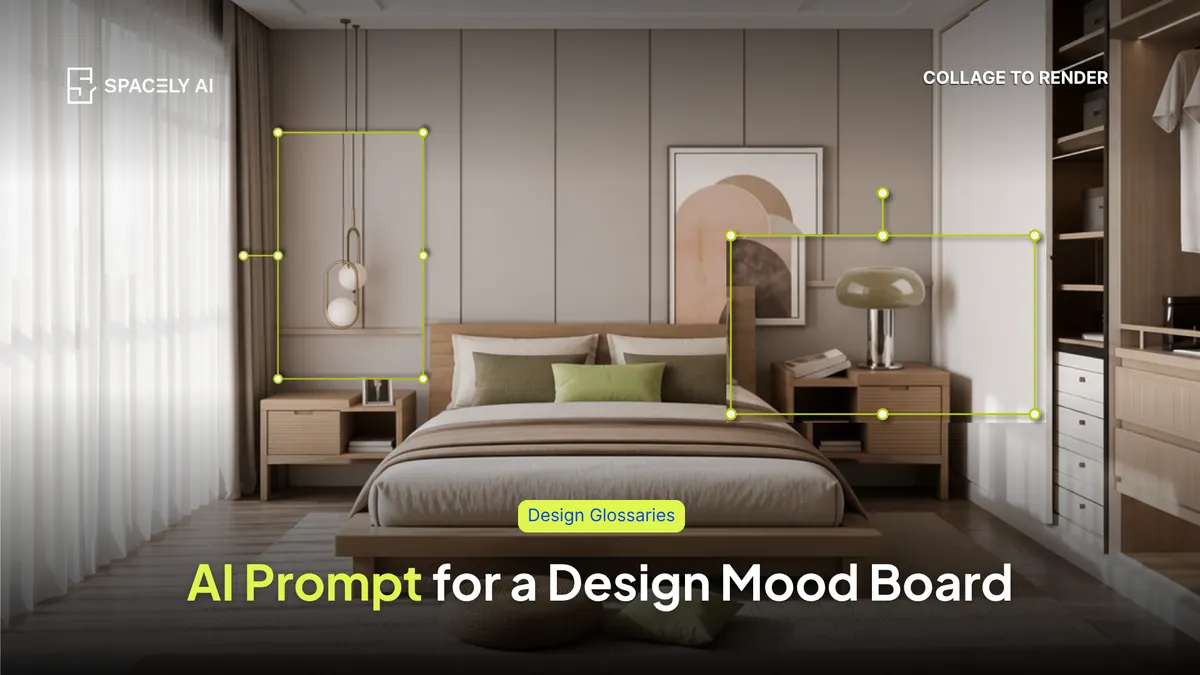
Build a design mood board with AI; generate cohesive style concepts, test palettes and materials, and anchor it to your real room. A step-by-step how-to with prompts.
A mood board collects the look of a project: colors, materials, textures, furniture, and lighting into one cohesive reference before you commit to anything. AI speeds up every part of that; you can generate style concepts, test palettes and materials, and, most usefully, render your actual room in a direction so the board is grounded in the real space rather than someone else's home.
The trick to a mood board that actually guides the work is cohesive one clear direction, a tight palette, and real materials. AI helps you reach it faster by letting you compare options side by side. With Spacely AI, you can restyle a photo of the room with Style Transfer, explore materials with the Material Board, and generate a hero render to anchor the whole board.
What is a mood board, and why build one with AI?
It's the agreement about the look before the spending starts. A mood board aligns everyone from designer, client, to contractor on direction, so decisions downstream stay consistent. Traditionally you'd gather Pinterest boards and product photos over a full day.
AI compresses that: you generate cohesive style options in minutes, test a palette on the actual room, and swap materials without hunting for samples. The payoff isn't just speed; it's that you can anchor the board to your real space, so the direction you agree on is one you've already seen in context.
How do you build a mood board with AI, step by step?
Five steps, from direction to a board you can present.
- Name the direction: Pick one clear style and mood ("warm minimalist, calm, natural materials").
- Generate style references: Prompt a few cohesive concept images in that direction to establish the feel.
- Test the palette and materials: Explore a tight color palette and real materials such as oak, linen, brushed brass — rather than generic "modern finishes."
- Apply it to the real room: Render a photo of the actual space in the chosen style, so the board shows your room, not a stock one.
- Refine: Cut anything that fights the direction, and keep the board to a palette you could actually source.
Use real, nameable materials so the board translates into purchases. And anchor it with one strong render of the actual space, so the board isn't an abstract collage but a preview of the outcome. Cohesion is what turns a mood board from inspiration into a plan.
Which prompts help build a mood board?
Prompt for the feel, the palette, and the materials specifically.
| Board element |
How AI helps |
Prompt to try |
| Overall direction |
Generate the feel |
"warm minimalist living room, calm, natural materials, soft daylight" |
| Color palette |
Test a tight scheme |
"interior palette of oatmeal, warm oak, matte black, soft clay" |
| Materials & textures |
Explore real finishes |
"close-up of oak, linen, brushed brass, and honed limestone together" |
| The room in-style |
Anchor to reality |
"[your room photo] restyled as warm minimalist, oak floor, linen sofa" |
A mood board is the look, agreed before the budget moves, and AI gets you there faster. Name one direction, generate references, test a tight palette and real materials, and apply the mood board or styling with a render of your actual room. Keep it cohesive, and it stops being a wish-list and becomes a plan you can build from.
FAQ
Can AI create a design mood board?
Yes. AI can generate cohesive style concepts, test color palettes and materials, and render your actual room in a chosen direction. Spacely AI supports this with Style Transfer for restyling a room photo, a Material Board for finishes, and renders to anchor the board in your real space.
How do I keep an AI mood board from looking random?
Commit to one direction and a tight palette, and drop anything that doesn't belong in the same room as the rest. Use real, nameable materials, and anchor the board with one render of the actual space so it previews the outcome rather than collecting unrelated ideas.
Do I need a photo of the room to make a mood board?
Not to start — you can generate a direction from prompts alone. But anchoring the board with a render of your actual room makes it far more useful, because everyone sees the style in the real space rather than a generic one.
More design insights on the Spacely AI blog →
Get started
→ Create your free account
→ Watch the full tutorial on YouTube
→ Explore the member plan
For more information and media inquiries, please contact
Website: spacely.ai
Facebook: facebook.com/spacelyai
Instagram: instagram.com/spacely.ai
Email: [email protected]