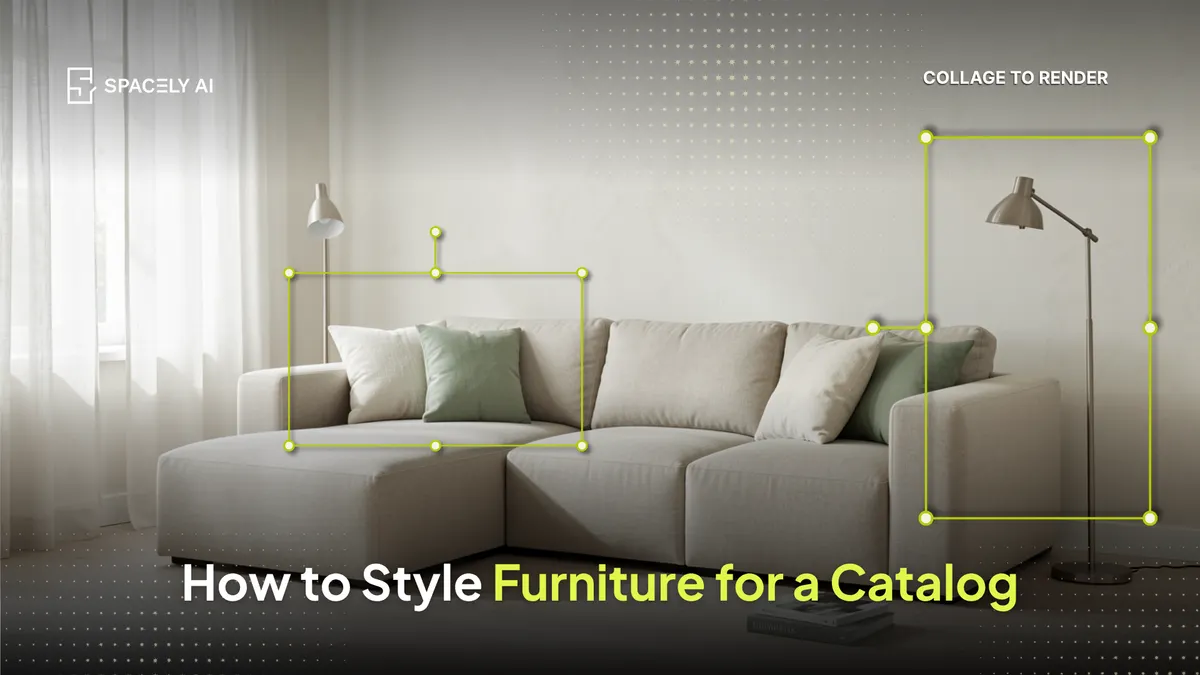
How furniture brands style and display pieces for catalogs and editorials with AI, place a product in a styled scene, generate backgrounds, and restyle for a campaign.
For furniture brands and retailers, styling a piece for a catalog or an editorial means showing it in a scene that makes people want it — and AI now lets you do that without a full photoshoot for every setting. You can place a product into a styled room (so a plain studio shot gains context), generate a fitting background for it, or restyle an existing image for a new campaign or season. That turns one product photo into catalog- and editorial-ready imagery in minutes, across as many looks as you need. One honest rule underpins it: the styled image should represent the actual product, so customers receive what the picture promised.
Below: how furniture display works for catalogs and editorials, what AI can do for it, and how to keep it accurate. Spacely AI can place a product into a styled scene, generate backgrounds, and restyle images from a photo.
How do you display furniture for a catalog or editorial?
Put the piece in a scene that tells its story. A product on a white background sells a spec; a product in a styled room sells a lifestyle. Catalog and editorial imagery works when the piece sits in a believable, on-brand setting, the right room, the right light, the right supporting pieces, so the customer pictures it in their own home.
Traditionally that meant building sets and shooting each scene, which is slow and expensive when you have a large range or seasonal campaigns. AI changes the economics: you style the scene around the product from a single photo, and produce multiple settings without multiple shoots.
What can AI do for furniture display?
Three jobs, each turning a product shot into finished imagery.
| Task | What AI does | What you get |
|---|
| Place a product in a room | Composite it into a styled scene | A lifestyle image from a plain shot |
| Generate a background | Put the piece in a fitting setting | Context without a set build |
| Restyle for a campaign | Shift the scene's look or season | New imagery from existing photos |
| Show colorways in context | Present variants in the same scene | A consistent range, styled alike |
How do you apply furniture to a set with Collage to Render?
Collage the pieces you want, then render them into one scene. Placing a single product into a room is one job. Building a full scene, a sofa, a coffee table, a lamp, each from its own product shot, is another.
Collage to Render handles the second. You arrange your furniture images on top of a base scene like a collage, then render the whole thing into one photorealistic image, with the lighting, shadows, and perspective unified so the pieces read as a real room rather than a cut-and-paste.
- Start with your base scene. Upload an empty room, a background plate, or a reference interior.
- Add your furniture images. Bring in the product shots you want to feature, one per piece. Clean cutouts on a plain background work best, since the render reads the product more clearly.
- Arrange the collage. Position and scale each piece where it belongs in the scene: the sofa against the wall, the lamp in the corner. This is your layout, so place things the way you want the final shot to look.
- Render the scene. Run Collage to Render, and Spacely AI unifies the collage into one photorealistic image, matching light, shadow, and perspective across every piece so the room reads as a single space.
Keep the pieces true to the real products as you go. Collage to Render composes the scene around your furniture, it does not change the furniture, so proportions, materials, and finish stay accurate to what ships.
The bottom line
Styling furniture for a catalog or editorial is about placing the piece in a scene that sells the lifestyle, not just the spec, and AI lets you do that from a single product photo, across as many settings and campaigns as you need. Place the product in a styled room, generate backgrounds, and use Collage to Render to build a full scene from separate product shots, while keeping every image true to the real item. It is catalog- and editorial-ready imagery in minutes, without a shoot for every scene.
FAQ
Can AI place my furniture product into a styled room? Yes. Upload a product photo, and AI composites it into a styled scene with matching light and shadow, turning a plain studio shot into catalog- or editorial-ready lifestyle imagery. Spacely AI can also generate backgrounds and restyle images for new campaigns.
Is AI-styled furniture imagery okay for a catalog? Yes, as long as the styled image represents the actual product: its real proportions, materials, and finish. Use AI to style the setting around the piece, not to change the piece itself, and keep colorways and dimensions truthful so customers receive what the image promised.
How does this compare to a traditional photoshoot? A photoshoot gives full physical control and is ideal for hero campaigns, but it's slow and costly for large ranges or seasonal refreshes. AI styling produces many settings from a single product photo in minutes, so many brands use both — shoots for signature imagery, AI for scale and variations.
More design workflow insights on the Spacely AI blog →
Get started
→ Create your free account
→ Watch the full tutorial on YouTube
→ Explore the member plan
For more information and media inquiries, please contact
Website: spacely.ai
Facebook: facebook.com/spacelyai
Instagram: instagram.com/spacely.ai
Email: [email protected]