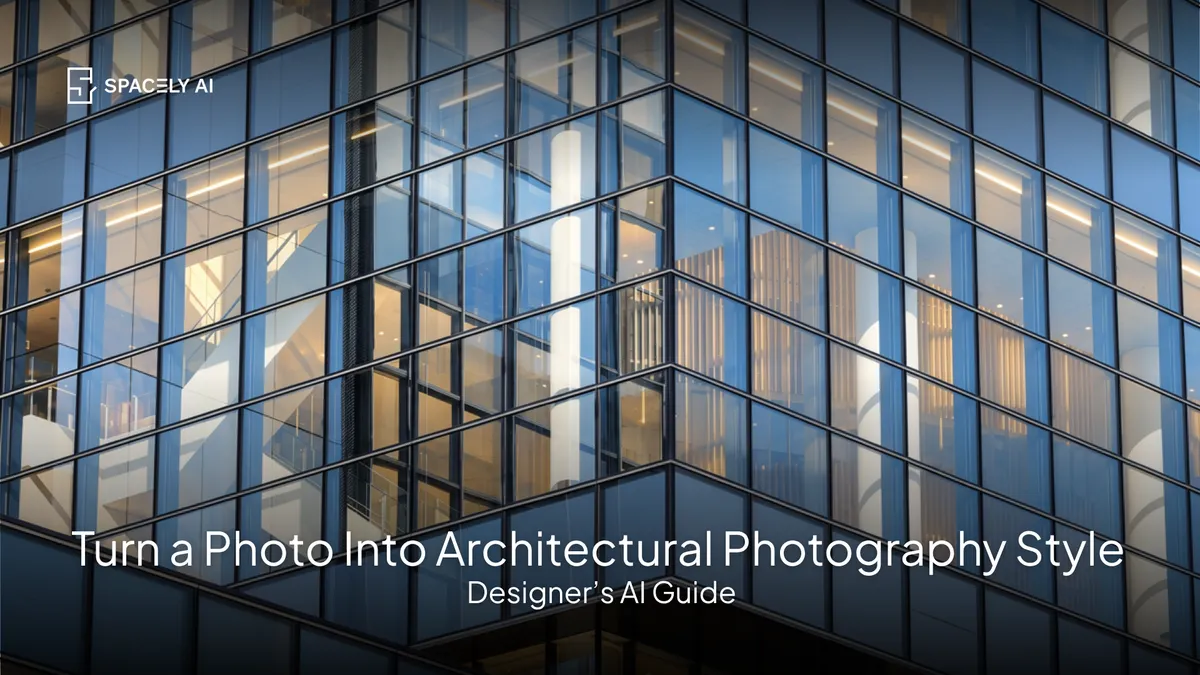
Turn a render or photo into a polished architectural photography style with AI, professional composition, lighting, and finish. Here's what defines the look and how to get it.
You can turn a render or a photo into a polished architectural photography style with AI: giving it the professional composition, clean lighting, and refined finish that make architectural images look portfolio-ready.
Architectural photography has a recognisable quality: crisp, well-composed, beautifully lit, with corrected perspectives and a considered, editorial feel. A flat render or a phone photo rarely has that on its own — but AI can render or enhance an image into that professional look, so your work is presented at its best. It's especially useful for architects and designers who want portfolio-quality visuals without a professional photo shoot or hours of manual editing.
Below: what defines architectural photography style, how to get the look with AI, and tips for the best result. Spacely AI renders and enhances images toward a professional, photorealistic finish.
What defines architectural photography style?
Composition, lighting, and a clean, refined finish. Architectural photography has a clear set of qualities.
- Strong composition: considered framing, often symmetrical or with leading lines.
- Beautiful lighting: soft, directional, or golden-hour light that reveals form and materials.
- Corrected perspective: straight verticals and true proportions, not the distortion of a casual snapshot.
- Clean, high detail: crisp, sharp, and well-finished.
- A refined, editorial mood: polished and intentional, the way architecture appears in magazines.
- Materials that read beautifully: light crossing textures to show them at their best.
Together these make an image look like professional architectural photography rather than a quick capture.
How do you get the look with AI?
Start from your image, then render or enhance toward the style.
- Start from your render or photo. The image you want to elevate.
- Describe the photographic look. Name the lighting (soft, golden-hour, editorial), the mood, and a clean, professional finish.
- Render or enhance. The AI produces a polished, architectural-photography-style result.
- Refine. Adjust one element with Point & Edit if needed.
- Sharpen the detail. Use Enhance Quality 4K for crisp materials and edges.
What tips give the best result?
Lead with light, keep it clean. Two things matter most.
- Lighting: name a specific, flattering light (soft directional, golden hour, bright editorial), since it defines the architectural-photography feel and reveals materials and form.
- And cleanliness: architectural photography is uncluttered and considered, so aim for a clean, well-composed, refined result rather than a busy one. Straight verticals and a considered viewpoint complete the look.
Get the light and composition right, and even a simple render reads as professional architectural photography.
The bottom line
Turning a photo into architectural photography style with AI gives your renders and images the professional composition, lighting, and finish of portfolio-quality architectural photography without a photo shoot or hours of editing. Start from your image, describe a flattering light and a clean, editorial mood, render or enhance, and sharpen the detail. Lead with lighting and keep it clean, and you'll present your work at its best — the way great architecture deserves to be seen.
FAQ
How do you make a render look like architectural photography? Give it the qualities of professional architectural photography: strong composition, beautiful directional or golden-hour lighting, corrected perspective, clean high detail, and a refined editorial mood. With AI, start from your render, describe a flattering light and clean finish, render or enhance, and sharpen the detail. Lighting matters most.
What defines architectural photography style? Considered composition (often symmetrical or with leading lines), beautiful directional lighting that reveals form and materials, corrected perspective with straight verticals, crisp high detail, a refined editorial mood, and materials that read beautifully in the light. These make an image look professional rather than a casual snapshot.
Can AI turn a phone photo into a professional-looking image? AI can render and enhance an image toward a polished, architectural-photography-style finish — improving the lighting, mood, and detail. Naming a flattering light and a clean, editorial look gives the best result, and Enhance Quality 4K sharpens the materials and edges for a professional, portfolio-ready finish.
More design workflow insights on the Spacely AI blog →
Get started
→ Create your free account
→ Watch the full tutorial on YouTube
→ Explore the member plan
For more information and media inquiries, please contact
Website: spacely.ai
Facebook: facebook.com/spacelyai
Instagram: instagram.com/spacely.ai
Email: [email protected]