
Show intent before production works exist
Give stakeholders something to react to during concept and schematic design, not weeks later.
Extension
— without leaving Revit.
Install the free Spacely AI extension, open a 3D view you’ve already set up, and get a client-ready render in seconds — no export round-trip.
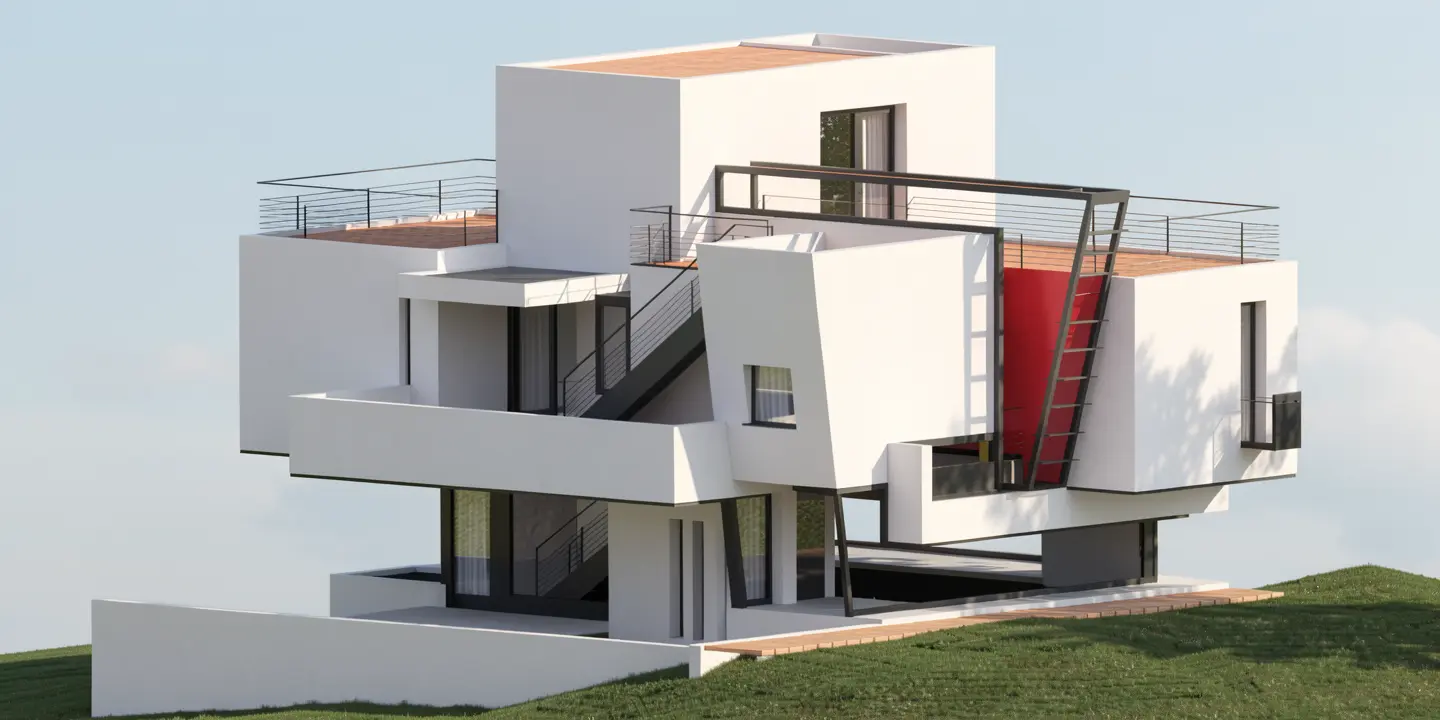
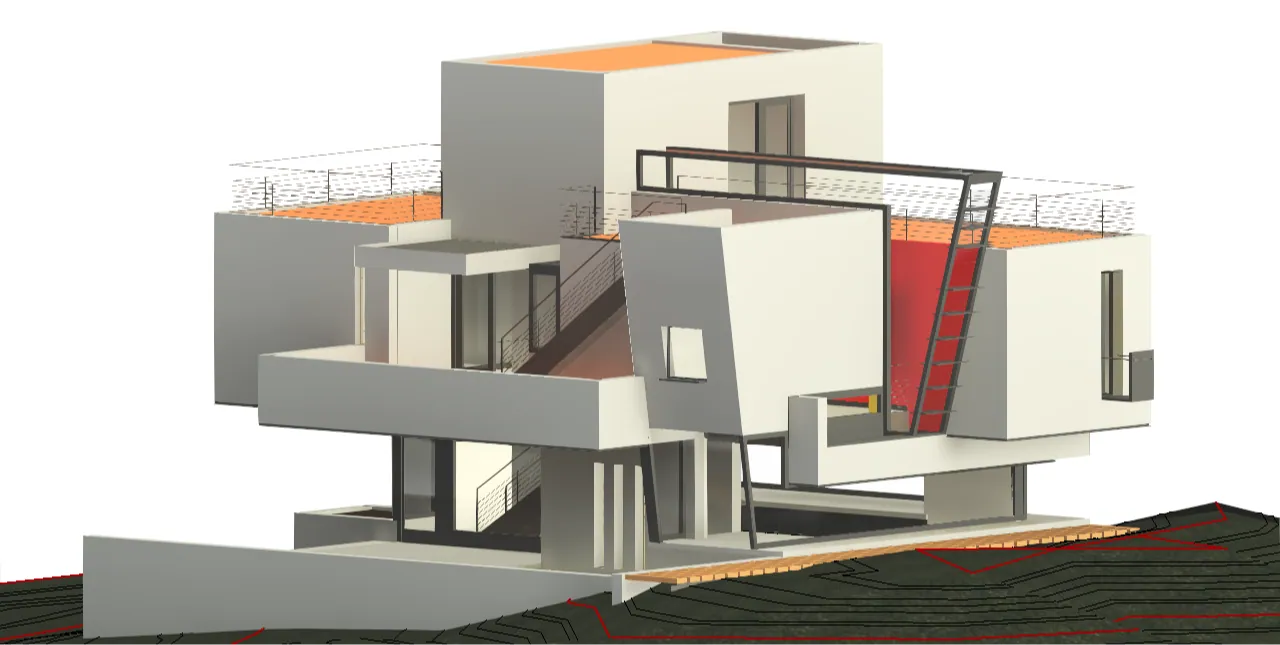


Up and running in three steps

Open browser and go to Autodesk App Store search “Spacely AI”

Free to install. No credit card. Works with your existing Revit models.

Select a 3D view, choose a style, and get a photorealistic render in under 60 secs.
Why it matters for architects
Instead of listing features, we translate them into the work you actually have to deliver.
Give stakeholders something to react to during concept and schematic design, not weeks later.
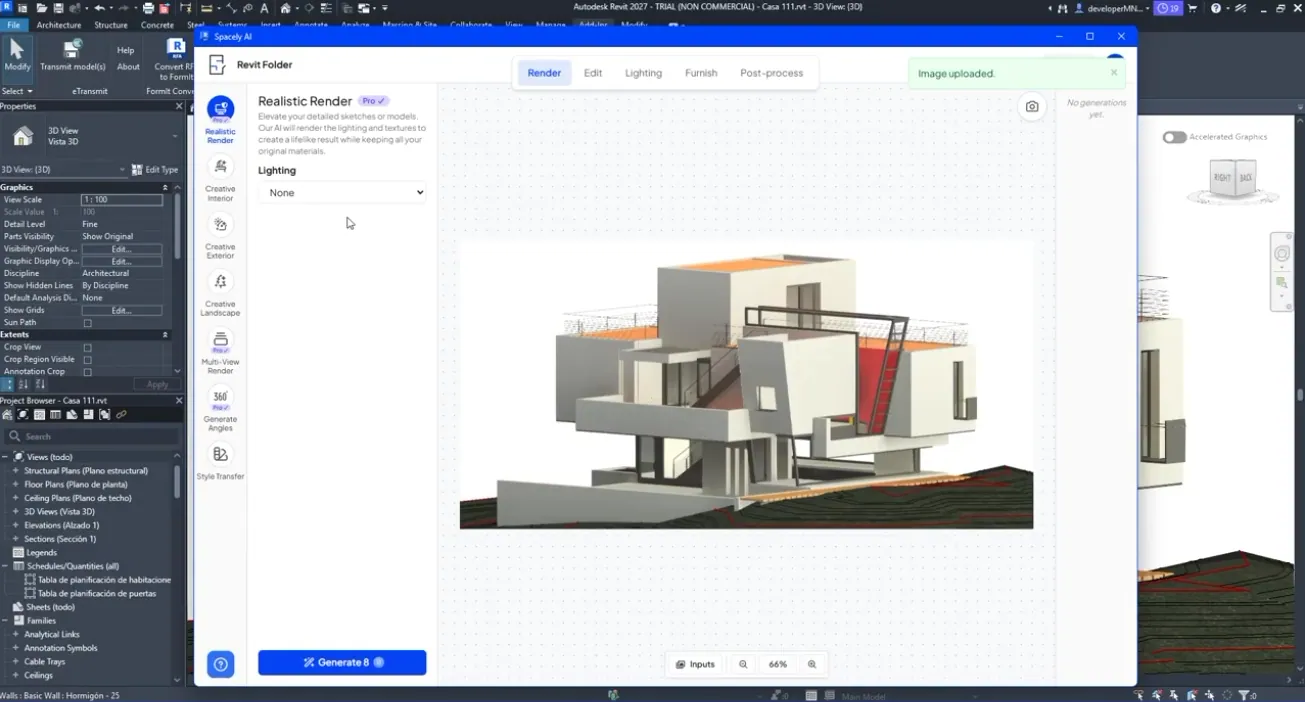
Render the view you’ve already set up.

Trade flat BIM views for visuals non-technical clients understand at a glance.

Explore options live instead of queuing another overnight render.





50K+ downloads on SketchUp Extension Warehouse
“Spacely AI speeds up my workflow in just 45 seconds, with impressive results.”
“The renders feel powerful and lifelike — better than the software I used before.”
“It helps me reveal a space’s potential to buyers and lift exposure for sellers.”
Before your first render
Everything you need to know before your first render.
Yes — it’s free to install from the Autodesk App Store with no credit card. You render using your Spacely AI credits.
Free to install. No credit card. Works with your existing models.