Loading...
Tool
AI Object Remover: Declutter Room & Interior Photos
Declutter any room photo instantly. Our AI tool helps you remove unwanted furniture, objects, or people from your interior and architectural images seamlessly.

AI Object Remover: Declutter Room & Interior Photos
Clean Up Any Photo in Seconds
Declutter Real Estate & Staging Photos
Remove personal items, toys, and unnecessary furniture to create clean, spacious-looking property photos that attract more buyers. Present a clean, move-in-ready vision to potential clients.
Prepare "Before" Photos for Redesign
Erase existing furniture from a client's room photo to create a perfect blank canvas. Start your redesign or virtual staging project from a clean slate without any distractions.
Perfect Your Architectural & Design Portfolio
Erase distracting background elements, remove stray objects, or clean up construction artifacts to ensure your final project photos look flawless. Show off your work without any distractions.
The Essential Cleanup Tool for Professional

For Realtors
- Create more appealing listings by decluttering rooms with a few clicks. Present a clean, move-in-ready vision to potential buyers without the cost of physical staging or a professional reshoot.

For Interior Designers & Architects
- Prepare your "before" photos for a redesign project by erasing old furniture. Clean up your final "after" shots for your portfolio by removing any imperfections or construction equipment left in the frame.
For Business & Homeowners
- Quickly edit photos for your business website or personal projects. Remove unwanted objects from product shots or erase distracting elements from family photos with professional-level results.
How to Edit Your Image: Remove, Add & Replace
1
Upload & Brush
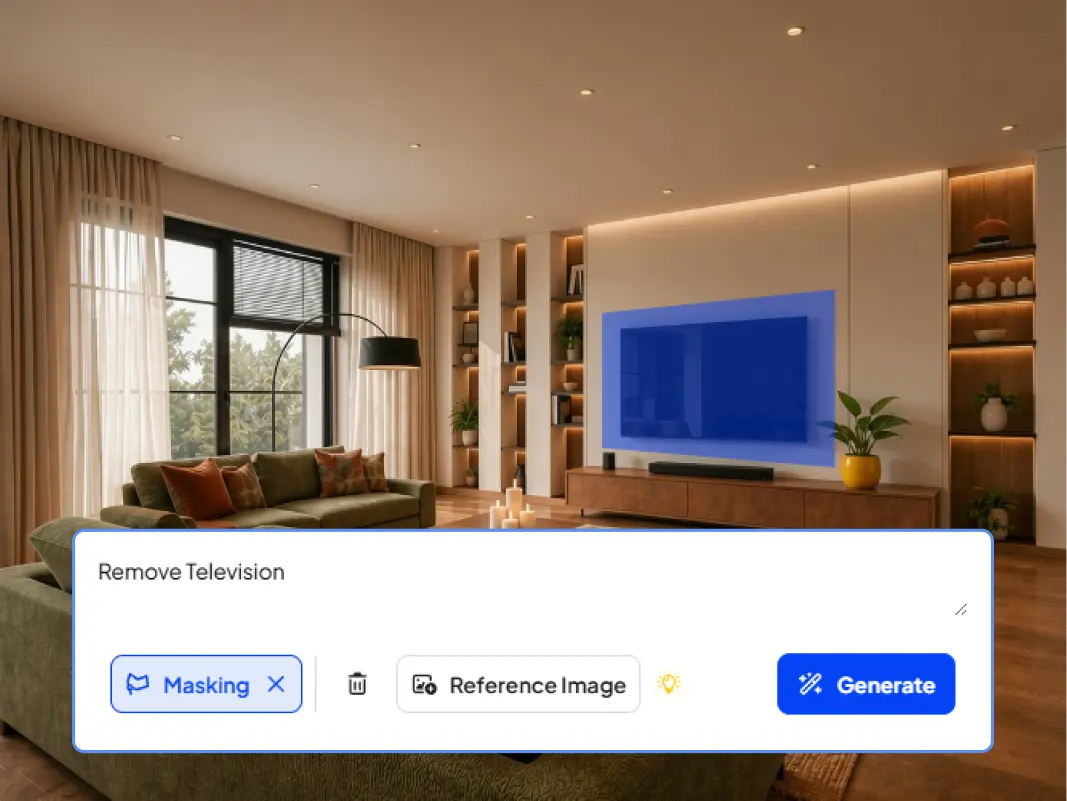
Upload your photo (JPG, PNG, WEBP, or HEIC). Use the Brush to select the area you want to edit.
2
Choose Your Action
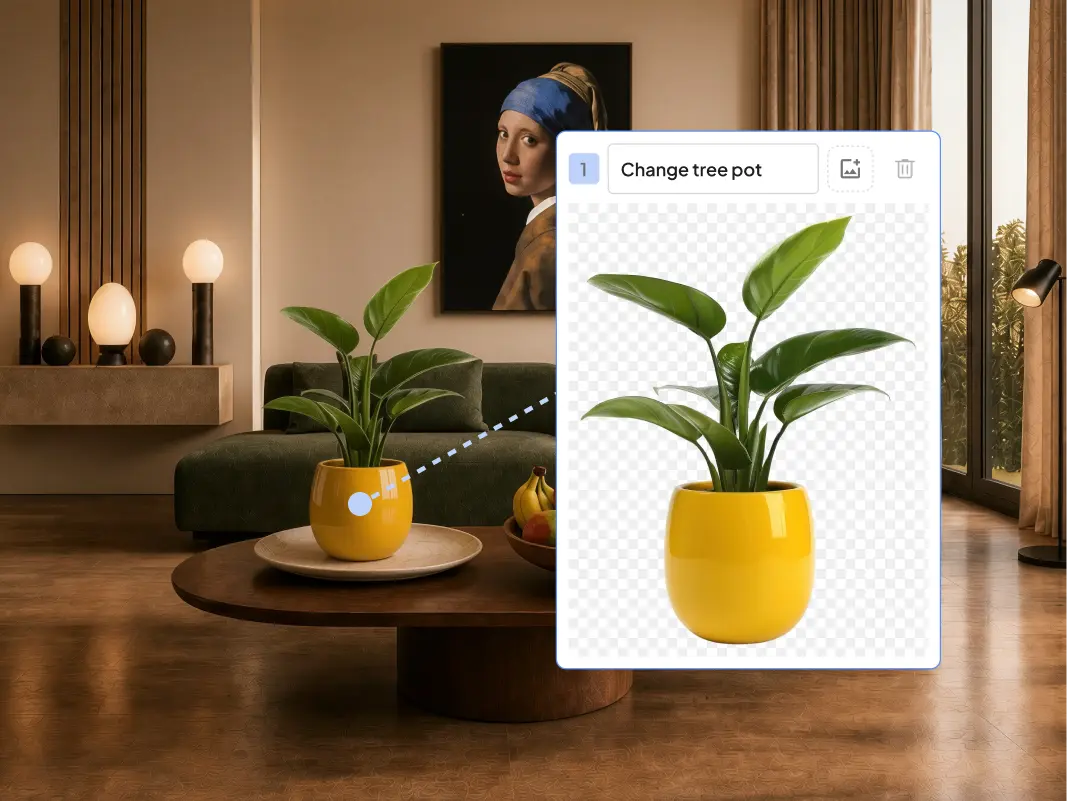
• To Remove: Simply click the 'Remove' button to erase the selected object and have the AI fill the background. • To Add / Replace: Proceed to the next step.
3
Describe Your Change
In the prompt box, describe what you want to add or replace in the selected area. For example, "add a modern floor lamp" or "replace with a blue velvet sofa."
4
Generate Your Result
Click 'Generate' to see the AI create your new image based on your text prompt.
Frequently Asked Questions
Explore Related Tools
Keep building with these AI tools made for designers.


Try Remove Object for FreeTry Remove Object
for Free
Declutter any room photo instantly. Our AI tool helps you remove unwanted furniture, objects, or people from your interior and architectural images seamlessly.
Trusted by 580,000+
architects, interior design, realtors, and owners
worldwide
No credit card required. Free Trial.
Render and edit your images in minutes.
Trusted by 580,000+
architects, interior design, realtors, and owners
worldwide