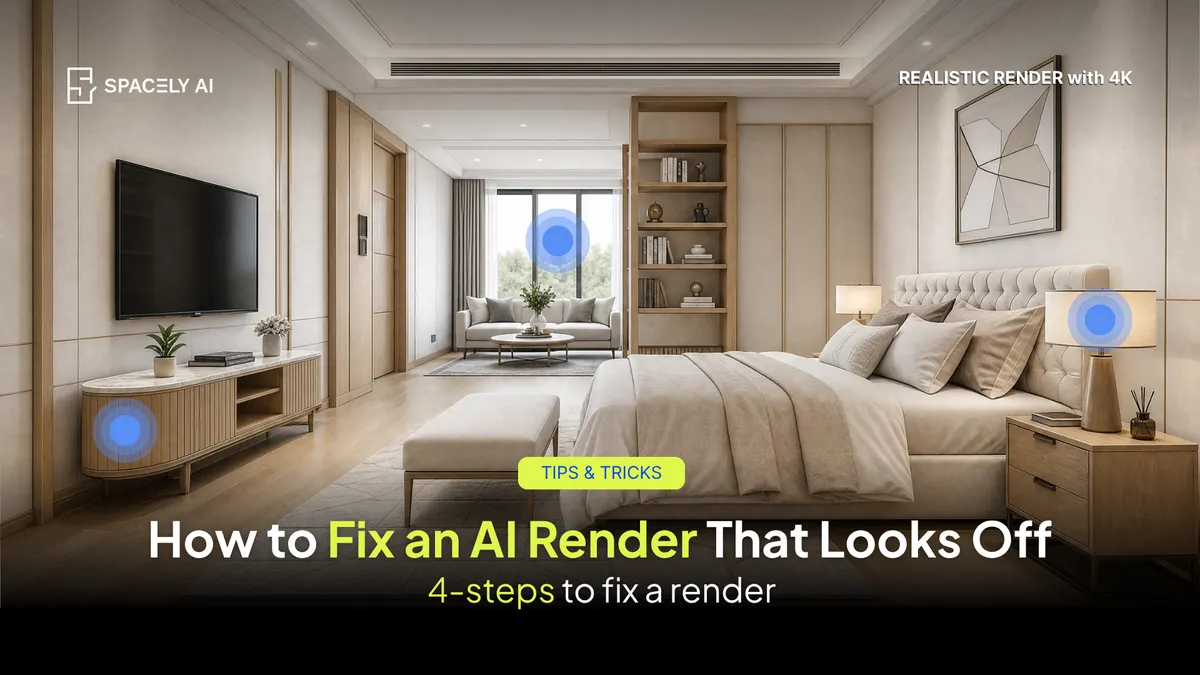
An AI render that looks off usually has a fixable cause: flat light, a wrong material, or low resolution. Here's how to correct it without starting over.
When an AI render looks off, you rarely need to start over. You need to find the one thing that's wrong and correct it. Most off-looking renders come down to a short list of causes: flat lighting, a misread material, drifted proportions, or resolution that's too low to sell the detail. The fix is to diagnose in order and correct locally.
In Spacely AI, that means generating your base with Realistic Render, repairing specific elements with Point & Edit rather than regenerating the whole scene, and sharpening the final image with Enhance Quality 4K. Keeping the parts that already work and fixing only what doesn't is faster than rolling the dice on a fresh generation.
Why does an AI render look "off"?
An off render is usually one identifiable problem wearing a vague disguise. The image "feels fake," but the cause is specific.
The common culprits are flat lighting with no direction or time of day, a material the model guessed at instead of one you named, proportions that drifted because the render started from a weak base rather than your own model view, a single odd element like a wrong reflection, or an image that's simply too soft and low-resolution to read as real. Name the actual cause and the fix becomes obvious. Chase the vague feeling and you'll regenerate five times and get five different versions of the same problem.
Match the symptom to the fix.
| Symptom |
Likely cause |
Fix |
| Looks flat or fake |
Flat, directionless lighting |
Re-prompt light direction and time of day; regenerate base with Realistic Render |
| One material is wrong |
Local misread |
Point & Edit on that element only |
| Soft or blurry |
Resolution too low |
Enhance Quality 4K |
| Proportions drifted |
Weak starting reference |
Start from your model view, regenerate the base |
| Odd reflection or artifact |
Local glitch |
Point & Edit spot-fix |
What's the right order to fix a render?
Work top to bottom — the fix is usually near the top.
- Lighting first. Add a direction and time of day. Most flat renders resolve here.
- Materials next. Replace anything generic with a specific, named material.
- Spot-fix the outliers. Use Point & Edit on the one element that's wrong; leave the rest.
- Sharpen last. Run Enhance Quality 4K once the content is right, so you're not upscaling a mistake.
An off render is a diagnosis, not a dead end. Find the specific cause; usually lighting, materials, or resolution and correct it locally with Point & Edit and Enhance Quality 4K instead of regenerating from scratch. You'll keep what already works, fix what doesn't, and get to a presentable image faster. The judgment about what "good" looks like stays yours.
FAQ
Why does my AI render look fake even though the prompt was detailed?
Usually it's lighting or resolution rather than the prompt. Flat, directionless light and low resolution read as artificial no matter how specific the materials are. Add a light direction and time of day, then sharpen with Spacely AI's Enhance Quality 4K before assuming the prompt is the problem.
Can I fix one part of a render without changing the rest?
Yes, Spacely AI's Point & Edit lets you correct a single element: a material, a reflection, a color, while everything else stays exactly as it is. It's faster than regenerating and it protects the parts that already look right.
Should I regenerate or edit when a render looks off?
Edit first. Regenerate only when the base itself is wrong, wrong proportions or the wrong scene entirely, and when you do, start from your own model view so the next pass is anchored. For local problems, Point & Edit is quicker and keeps the good parts.
More design insights on the Spacely AI blog →
Get started
→ Create your free account
→ Watch the full tutorial on YouTube
→ Explore the member plan
For more information and media inquiries, please contact
Website: spacely.ai
Facebook: facebook.com/spacelyai
Instagram: instagram.com/spacely.ai
Email: [email protected]