Spacely AI for Revit Is Live: Render Your BIM Views at Concept Speed
Paphada Vasinsittisuk··2 min read
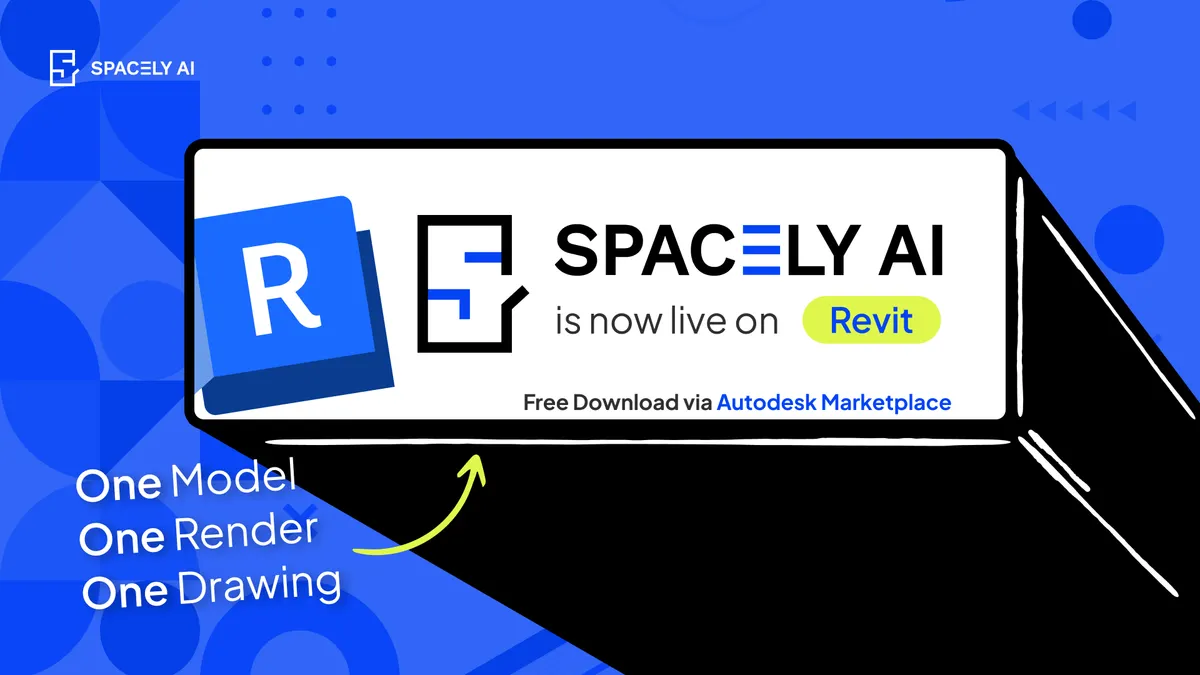
Spacely AI is now on Revit. Turn your Revit 3D views into photorealistic, client-ready renders at concept speed without leaving Revit. Free on the Autodesk Marketplace or App Store.
A Revit model carries almost everything about a building from wall types, schedules, dimensions, to the geometry a whole team works from. Spacely AI connects to that directly: render any 3D view at concept and schematic stage, when the idea needs to land before the drawings are done. No export. No scene setup. The visual stays tied to the model it came from.
Revit is built for production: coordinated BIM, drawings, the single model a whole team works from. Spacely AI keeps the visual tied to the model it came from.
Install the plugin. Search "Spacely AI" on the Autodesk Marketplace and install for free, no credit card, and it works with your existing Revit models.
Sign in. Open the Spacely AI panel in Revit and sign in to your account. A free account includes trial credits.
Render. Select a 3D view, pick a style, and generate your first result.
You can also render Revit work in the Spacely AI website: export a 3D view as a PNG or JPG, upload it, apply Realistic Render, then refine with Point & Edit and upscale with Enhance Quality 4K.
From a 3D view to a client-ready render
The plugin brings Spacely AI's generative rendering into Revit, so a 3D view becomes a photorealistic image right where you set it up. It's the same designer workflow as the SketchUp extension and Rhino plugin — and as of today, it's live on Revit.
Select a 3D view you've already set up in Revit.
Choose a direction a style, materials, or a reference mood with Creative Render.
Or generate a photorealistic render in under 60 seconds with Realistic Render.
Adjust materials, lighting, and atmosphere in real time, then present.
Your BIM model isn't touched. The render is generated from the view; the file stays exactly as your team built it.
Benefits
Show intent before production drawings exist. Give stakeholders something to react to during concept and schematic design, not weeks later once documentation catches up.
Skip the export round-trip. Render the view you've already set up with no separate engine, no long-hour queue for a single image.
Clients read it instantly. Trade flat BIM views for visuals a non-technical client understands at a glance.
FAQ
How do I render a Revit model with Spacely AI? Select a 3D view in Revit, choose a style, and generate a photorealistic render directly in the Spacely AI panel. The render is created from your view in seconds and saves to your Project Folders.
Does it touch my BIM data or change my model? No. Renders are generated from your 3D views and never alter the underlying Revit file — your geometry, families, and data stay exactly as your team built them.
Which Revit versions are supported? The extension installs from the Autodesk Marketplace, which supports 2022-2027 Autodesk Revit releases.
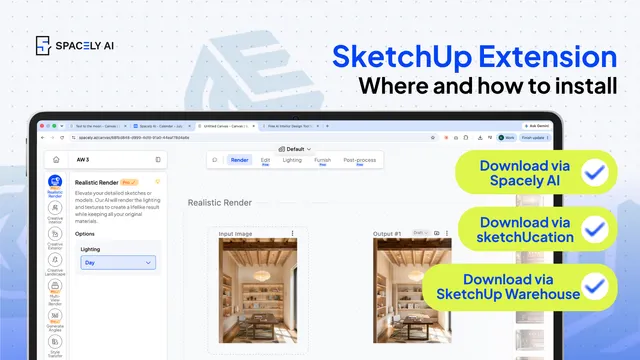
How to install a SketchUp extension two ways — from the Extension Warehouse or from SketchUcation. Step-by-step, plus troubleshooting.
You can install a Sketch…
The pace of design has changed. Team Canvas brings your whole team onto one live render in Spacely AI: real-time edits, comments, and shared credits.
Real-time…
Spacely AI for AutoCAD turns your design into a client-ready render without leaving the tool. See how it works, how to get early access, and what it does today.…