Loading...
Comparison
Comparison Spacely AI vs V-ray
 VS
VS
Which Rendering Tool Is Better for Designers in 2025?
If you're a designer, architect, or creative team comparing rendering tools, you've likely come across Spacely AI and V-Ray. Both are powerful—but built for very different workflows. This page breaks down how they compare in speed, usability, and real-world features, helping you choose the right tool for fast-paced design work or production-grade rendering.
Feature Comparison
Speed, Setup, and Workflow
Spacely AI is made for teams who want to move fast—testing layouts, generating visuals, and collaborating without delays.V-Ray gives full control, but requires 3D models, local, work with materials, and long render times.
Rendering Time
Renders scenes in under 60 seconds, thanks to its AI engine.
Often takes minutes—or even hours—for high-resolution output, especially with complex lighting scenes.
3D Modeling Required
Doesn't require any 3D modeling. You can start from a prompt, sketch, or photo.
Depends on full 3D models built in tools like SketchUp, Rhino, or Revit.
Virtual Staging
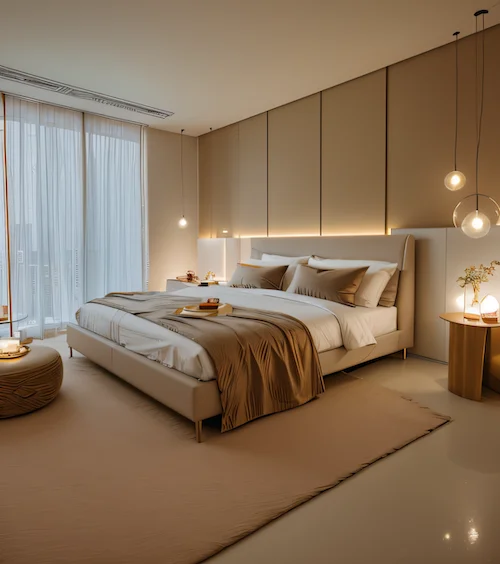
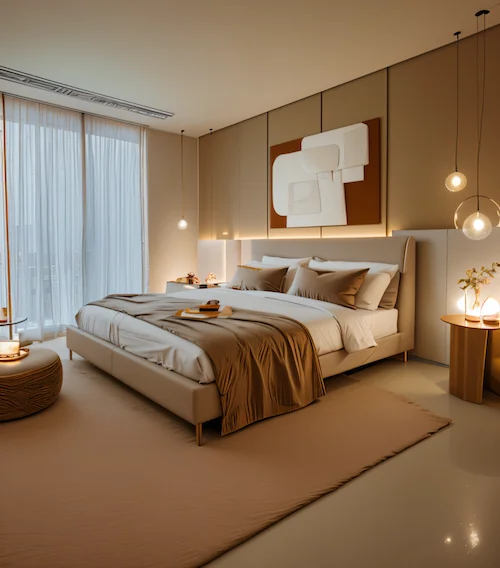
Includes built-in AI staging tools to add furniture, lighting, and décor automatically.
Doesn’t support virtual staging natively—you’ll need to model and place everything manually.
Text-to-Image
Can generate entire scenes from simple text prompts.
Doesn't support text-based scene generation.
Style Editing
Lets you apply or change styles (like Japandi or Scandinavian) with just a few clicks.
Requires manual setup, including material libraries, lighting tweaks, and camera settings.
Platform
Is entirely web-based—no downloads or installs.
Is a desktop application and requires local setup and computing power.
Ease of Use
Is beginner-friendly and made for fast iterations..
Is powerful but technical, with a steep learning curve for new users.
How Each Tool Works
Manual vs AI Rendering

Spacely AI Workflow
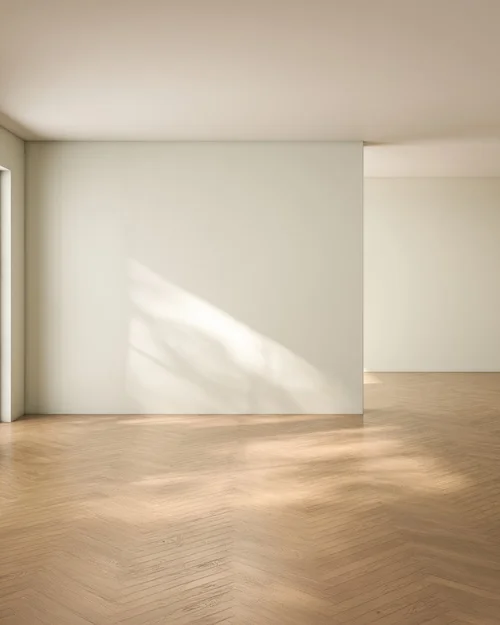
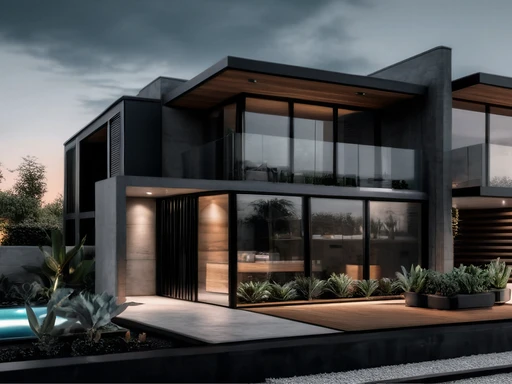
With Spacely AI, there’s no modeling or software setup. You start with a sketch, layout, or text prompt—and AI takes care of the rest. The system generates photorealistic images in seconds, ready for feedback or presentation. Need to test a different style? Click once. Want to add furniture or clean up a room? Done instantly.
V-Ray Workflow
V-Ray gives full control over lighting, materials, and camera angles. It’s built for experienced 3D artists who model everything manually, tweak every setting, and wait for final renders to complete. It’s a great tool for production-quality results but can be overkill for early concepts or client-facing mockups.


Use Case Fit
Who Should Use Which Tool?
Choose Spacely AI If...
You need to create visuals fast for clients or presentations
Your team lacks deep 3D modeling experience
You want web-based, AI-powered tools
Choose V-ray If...
You need full control over lights, shadows, and materials
You’re building production-grade assets
You're working in CGI or architectural visualization
Summary
Side-by-Side Comparison
Here’s a quick breakdown of both tools:
Speed
Instant (AI-generated)
Takes time, manual process
Setup
No install, web-based
Desktop software setup
3D Modeling
Not required
Required
AI Features
Built-in
None
Learning Curve
Easy to use
Technical
Best For
Designers & realtors
VFX & 3D artists
Final Verdict
Which Tool Wins in 2025?
VSIf you want speed, automation, and visuals that wow clients—Spacely AI is the smarter choice. If you need full control for detailed 3D assets or production rendering, V-Ray still holds its ground.
For most design professionals, especially those working across multiple projects or client types, Spacely AI delivers results faster, easier, and with less overhead.