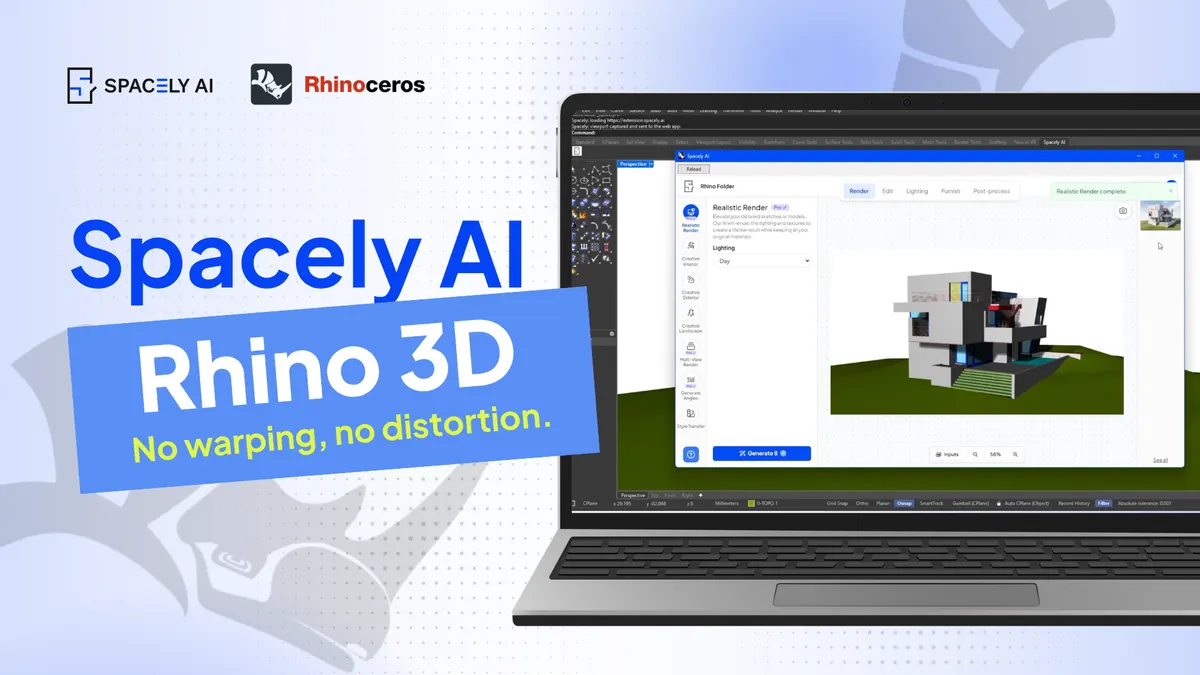
Spacely AI renders directly from your Rhino model and returns the result as a separate image; your NURBS surfaces, curves, control points, and .3dm file stay exactly as you built them. If you've wondered whether bringing generative AI near carefully modeled geometry means giving up control of it, the short answer is no. Here's how it works.
You might spend an afternoon getting a single curve right — matching tangency across three surfaces, holding tolerance tight enough for production. So it's a fair question to ask what happens to that geometry when you render it.
For precision modelers, the question is usually less about whether the render looks good and more about what happens to the model underneath it. Spacely AI is now rolling out for Rhino 3D, and it was built so the answer to that question is a simple one.
The real question: does it keep your model intact?
Ask a Rhino user what they want to know about AI visualization and it's rarely about the output looking convincing. It's more specific: does it leave my geometry as it is?
The question is concrete — control points, surface definitions, and the tangency you worked to keep continuous. A .3dm file isn't a rough sketch. Every NURBS surface is a decision you made on purpose, often to a tolerance a client or fabricator depends on. Approaches to AI visualization vary: some tools use a model as a loose reference to work around, which suits an early moodboard well. For a model headed toward production or client sign-off, you'll usually want the geometry to stay fixed — and that's the case Spacely AI is built for.
Spacely AI reads your model. It doesn't rewrite it.
Here's the distinction that matters. Spacely AI uses your Rhino model as the reference for the render, then returns the visualization as a separate image. The geometry itself is never the thing being edited.
Every NURBS surface, every curve, every control point stays where you placed it. Your layers, your tolerances, your .3dm file remain as they were. The render sits alongside your work rather than on top of it — you keep the model you built and gain a client-ready visual from it. And because the render is a separate image, re-running or refining it never reaches back into the source. The hours you put into the model stay exactly as you left them, every time.
That's a deliberate design choice. Spacely AI works as a partner at the visualization stage, and the creative direction — geometry included — stays with you. When you want to adjust the render, you refine the image with tools like Point & Edit, not by letting anything change your model. For anyone who looks after their geometry as carefully as their final concept, that's the point.
A note on pricing before July 15
Spacely AI pricing updates on July 15, 2026. If you subscribe before then, you lock in your current rate and pick up bonus credits now, before the new structure takes effect. Details are on Spacely AI Subscription Plans 2026.
The question was never really about render quality. It was about trust — whether you can bring generative AI near work you care about and keep control of it. For Rhino, Spacely AI answers it plainly: your geometry stays exactly as modeled, and you get a presentation-quality visual from it.
FAQ
Does Spacely AI change my Rhino geometry?
No. Spacely AI renders from your Rhino model as a reference and returns the result as a separate image. Your NURBS surfaces, curves, control points, and .3dm file are never modified.
Can I refine the render without touching my model?
Yes. Spacely AI separates the render from the model, so you refine the image itself using tools like Point & Edit, Auto Edit, and Adjust Lighting. Your source geometry stays untouched throughout.
Do I keep creative control over the result?
Yes. Spacely AI handles execution at the visualization stage while the creative direction stays with you. It's a workflow tool for rendering, not a substitute for your design judgment.
Is there a free way to try it?
Yes. The Free plan includes trial credits with no credit card required, so you can test Spacely AI on your own Rhino model before deciding.
More design insights on the Spacely AI blog →
Get started
→ Create your free account
→ Watch the full tutorial on YouTube
For more information and media inquiries, please contact
Website: spacely.ai
Facebook: facebook.com/spacelyai
Instagram: instagram.com/spacely.ai
Email: [email protected]