Introducing Point and Edit You're three versions into a living room project. The client loves it — except they want to see the sofa in navy instead of grey.
Before, that meant adjusting settings, re-rendering, and hoping the rest of the room stayed intact. Now, you point at the sofa, type "navy blue velvet," and you're done. The rest of your work stays exactly where you left it.
How It Works
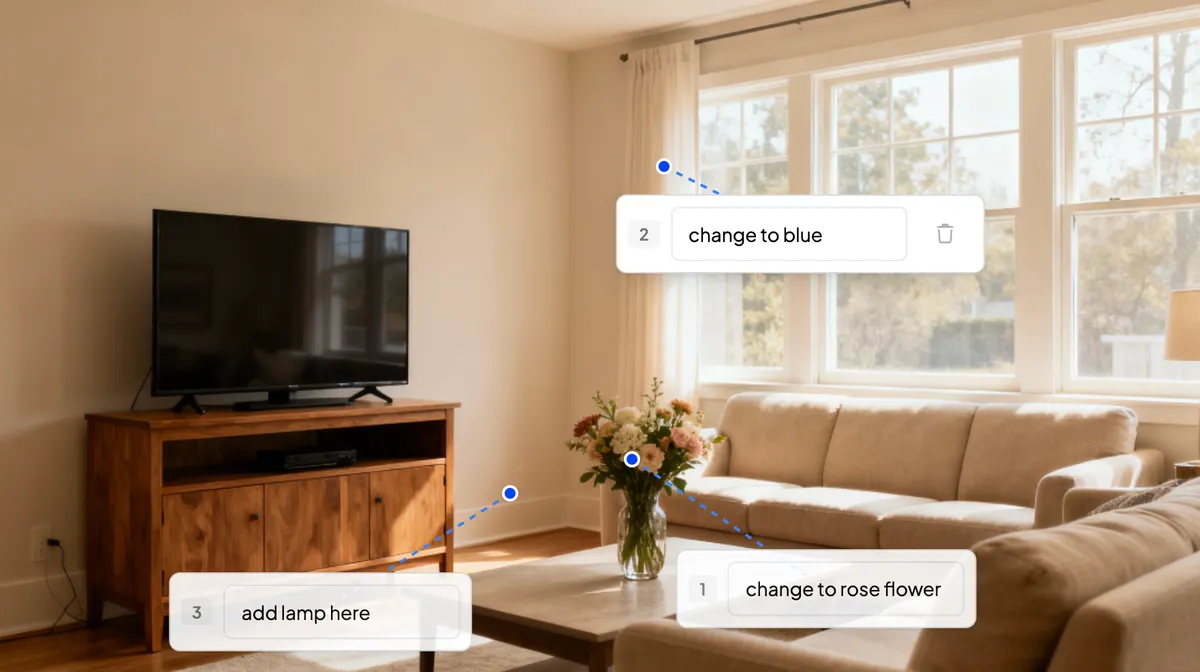
Point at the specific element you want to change — a sofa, a wall texture, a light fixture.
Describe what you want in plain language: "warmer wood tone" or "matte black finish."
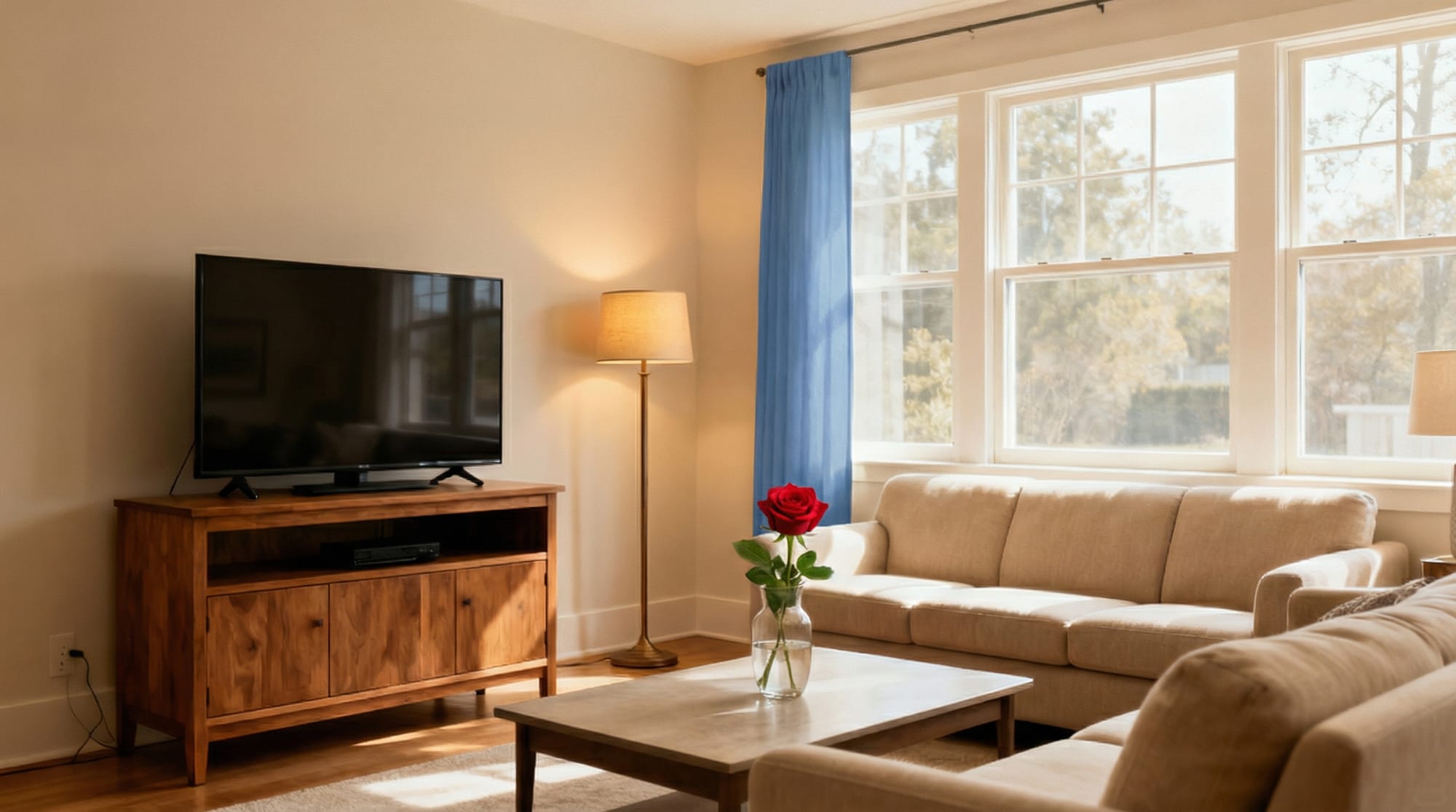
Render and the change applies only to that element. Lighting, shadows, and perspective stay consistent.
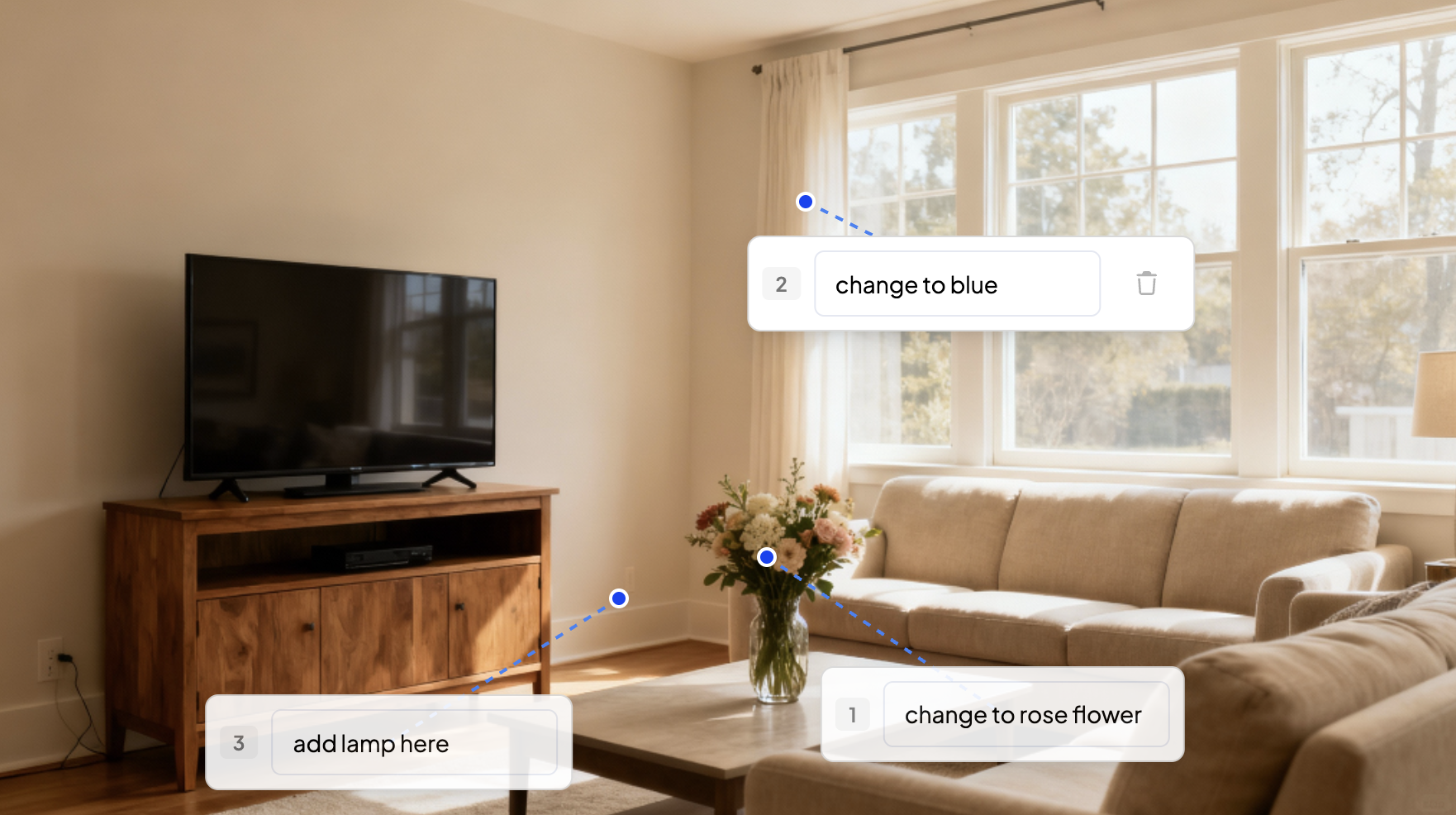
Point & PromptResult
Why This Fits Your Workflow
Client feedback rarely means starting over. It usually means one change, then another, then approval.
Point and Edit lets you respond to revisions without losing the work you've already done. Iterate on specifics. Keep the project moving. Get to approval faster.
Built for Real Revision Cycles
Client wants to compare three countertop options? Point, change, repeat.
Need to test warmer lighting on just the accent wall? Point at the wall, adjust, done.
Presenting tomorrow and the client just called? Make the change in seconds, not hours.
Spacely AI is now on Revit. Turn your Revit 3D views into photorealistic, client-ready renders at concept speed without leaving Revit. Free on the Autodesk Mark…
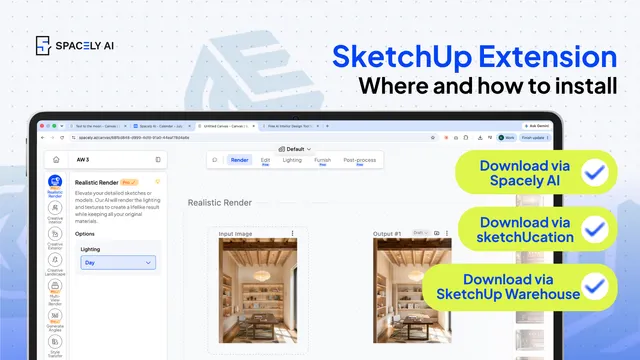
How to install a SketchUp extension two ways — from the Extension Warehouse or from SketchUcation. Step-by-step, plus troubleshooting.
You can install a Sketch…
The pace of design has changed. Team Canvas brings your whole team onto one live render in Spacely AI: real-time edits, comments, and shared credits.
Real-time…