Introducing Magic Edit: Spacely AI’s Newest Game-Changer for Designers
Paruey A··2 min read
Spacely AI is thrilled to unveil our latest innovation, Magic Edit, a tool designed to revolutionize the way you approach image editing. With Magic Edit, you can now effortlessly design images through simple text commands, transforming your designs with unprecedented ease and speed.
🪄 Why Magic Edit?
In digital design tasks such as editing, filling, and removing objects, traditional methods like manual masking, brushing, and detailed selection can be slow and repetitive.
To address these challenges, we created Magic Edit, which simplifies your design process. ''Simply describe what you want changed, and Magic Edit quickly and accurately carries out these edits.'' This allows you to focus more on the creative aspects of design rather than getting caught up in repetitive tasks.
0:00
/0:10
🌟 Benefits of Magic Edit
Save Time: Complete edits faster and focus on creative work.
Simple to Use: Input changes through straightforward text commands.
Encourage Creativity: Easily test and modify designs without the hassle.
How to use "Magic Edit"
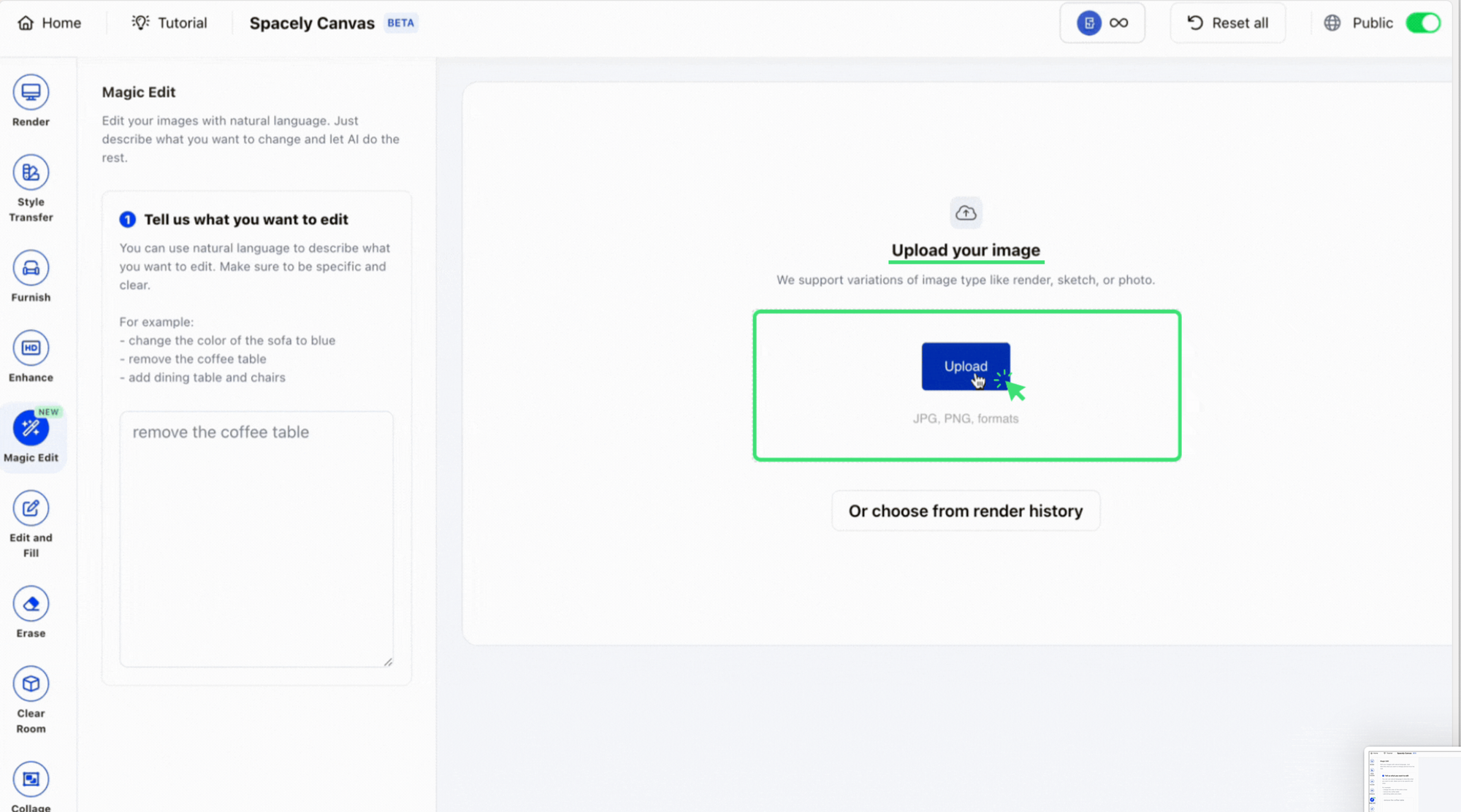
Step 1:Upload Your Image 🌁 Start by selecting and uploading the image you want to edit.
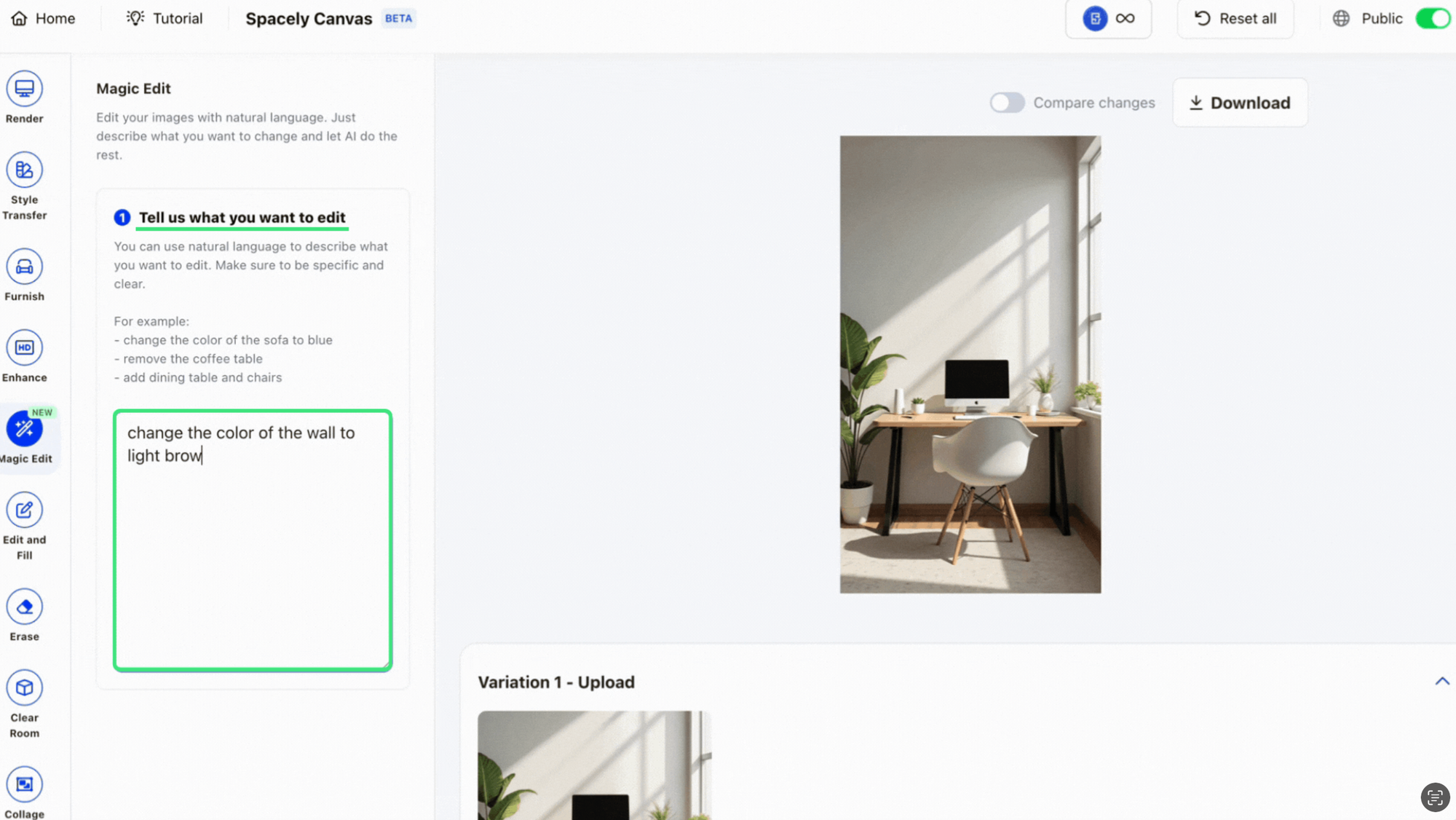
Step 2: Write Your Prompt 📝 Describe the changes you want—whether it’s adding, removing, or modifying elements in your design.
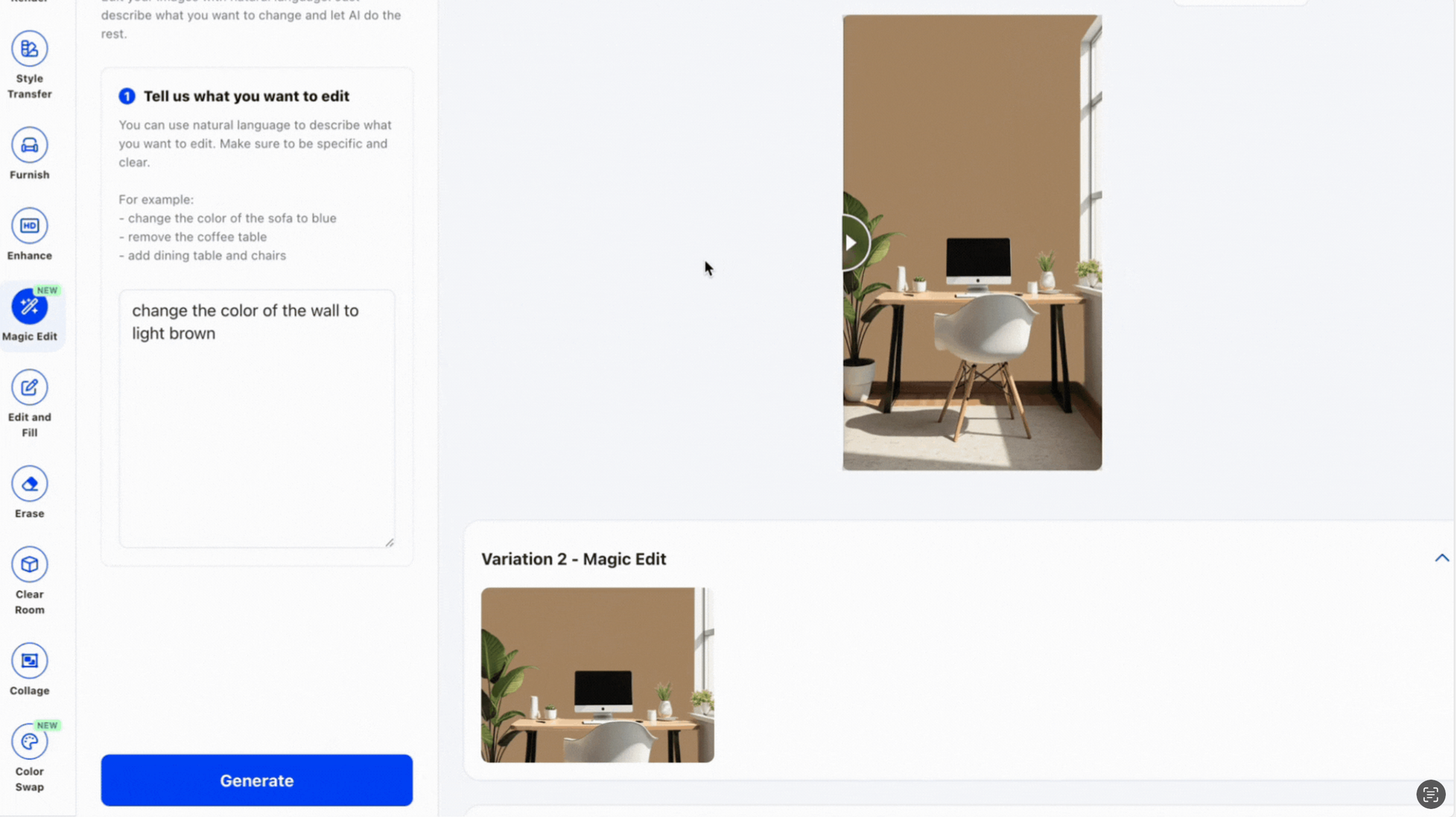
Step 3: Click "Generate" 🖲️ Magic Edit will instantly process your request and display the updated image.
Effortless, fast, and creative—give it a try today! 🚀
For more information and media inquiries, please contact
Spacely AI is now on Revit. Turn your Revit 3D views into photorealistic, client-ready renders at concept speed without leaving Revit. Free on the Autodesk Mark…
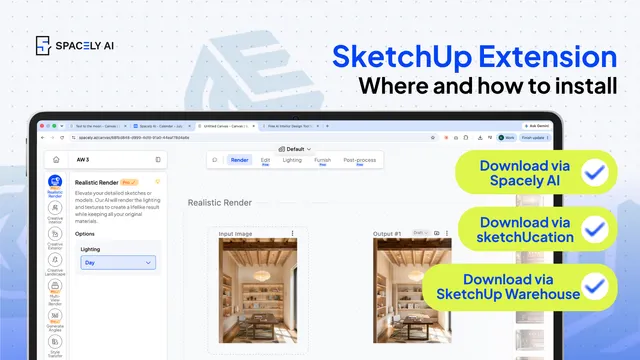
How to install a SketchUp extension two ways — from the Extension Warehouse or from SketchUcation. Step-by-step, plus troubleshooting.
You can install a Sketch…
The pace of design has changed. Team Canvas brings your whole team onto one live render in Spacely AI: real-time edits, comments, and shared credits.
Real-time…