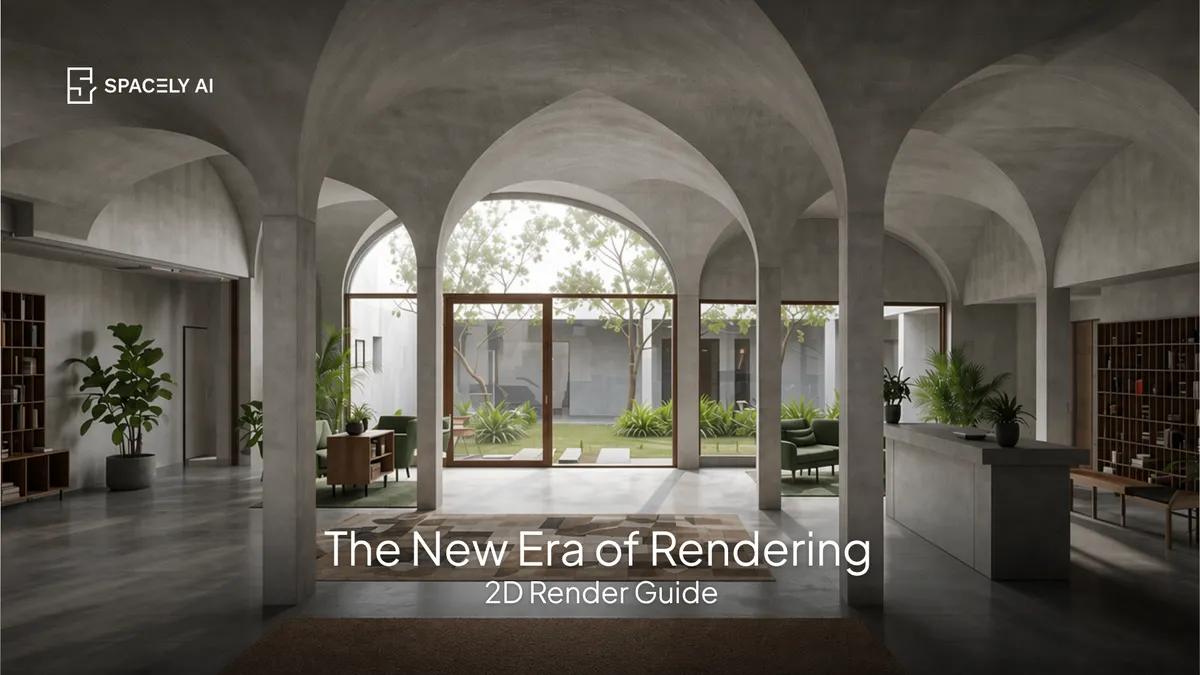
Rendering used to require a 3D model. The new era lets you render a photorealistic image from a single 2D photo or drawing with AI, no 3D software. Here's how.
Rendering used to require a 3D model. You built the geometry, assigned materials and lights, set up a camera, and waited. The new era of rendering flips that: you can now generate a photorealistic render from a single 2D image: a photo, a sketch, or a flat drawing. With AI, in about 60 seconds, with no 3D software and no modeling required. You upload the 2D image, describe the look you want, and the AI produces the render, keeping the layout and proportions from your image.
That's a genuine shift: rendering is no longer the slow, specialist step at the end of a 3D pipeline. It's a fast, accessible first move that starts from what you already have. A phone photo of a room or a hand-drawn concept is enough. Below: what 2D rendering is, how to do it, how to get a good result, and where 3D still has a place. Spacely AI renders from a 2D image in about 60 seconds.
What is 2D rendering (no 3D)?
Rendering that starts from a flat image, not a 3D model. Traditional rendering is a 3D process: no model, no render. 2D rendering with AI removes that requirement — it interprets a flat image (a photo of a real space, a sketch, or a drawing) and generates a photorealistic version from it, guided by your description. Because it starts from your actual image, the layout and proportions come through, so you're rendering your space or concept rather than an invented one. The difference in practice is enormous: instead of hours of modeling and setup, you go from a 2D image to a finished render in about a minute, and you don't need any 3D skills to do it.
How do you render from a 2D image?
Four steps.
- Start with a 2D image. A clear photo of the space, or a legible sketch or drawing.
- Upload it. Bring the image into Spacely AI.
- Describe the look. Name the materials, lighting, style, and mood you want.
- Generate and refine. You get a photorealistic render in about 60 seconds; adjust the prompt, or fix one element with Point & Edit, or render another angle with Multi-view Render.
How do you get a good 2D render?
Start clear, be specific, and refine. Two things drive a good result.
- First, a clear starting image: a well-lit, straight-on photo or a legible sketch gives the AI the most to work with, and holds the proportions so nothing distorts.
- Second, a specific description: name real materials, a light direction, and the style, because "modern room" renders flat while "warm oak floor, linen sofa, soft morning light" renders real.
Then treat the first result as a draft: refine the prompt, or use Point & Edit to fix a single element, rather than accepting the first pass. Because the render is anchored to your 2D image, the layout stays true throughout.
When do you still need 3D?
For precise, measured work. The new era doesn't erase 3D, it changes when you need it. A 3D model still wins when you need exact dimensions, guaranteed proportions from any angle, coordinated documentation, or a walkthrough animation. For those, your CAD and BIM remain authoritative. But for the thing rendering is most often used for visualizing a concept, exploring options, and presenting a space; 2D rendering with AI is faster and enough. Many people use both: 2D AI rendering for speed and communication, 3D for the technical and measured work.
FAQ
Can you render without a 3D model? Yes. AI can generate a photorealistic render from a single 2D image, a photo, sketch, or drawing, in about 60 seconds, with no 3D software or modeling. It interprets your image and produces the render, keeping the layout and proportions from what you uploaded, so it reflects your real space or concept.
How do you render from a 2D photo? Upload the photo to Spacely AI, describe the materials, lighting, and style you want, and generate — you'll get a photorealistic render in about 60 seconds. Start from a clear, well-lit image and be specific in your description for the best result, then refine with Point & Edit if needed.
Do you still need 3D rendering? For precise dimensions, guaranteed proportions from any angle, coordinated documentation, or full room animations, yes — a 3D model and your CAD/BIM remain authoritative. But for visualizing concepts, exploring options, and presenting a space, 2D AI rendering is faster and usually enough. Many people use both.
More design workflow insights on the Spacely AI blog →
Get started
→ Create your free account
→ Watch the full tutorial on YouTube
→ Explore the member plan
For more information and media inquiries, please contact
Website: spacely.ai
Facebook: facebook.com/spacelyai
Instagram: instagram.com/spacely.ai
Email: [email protected]